

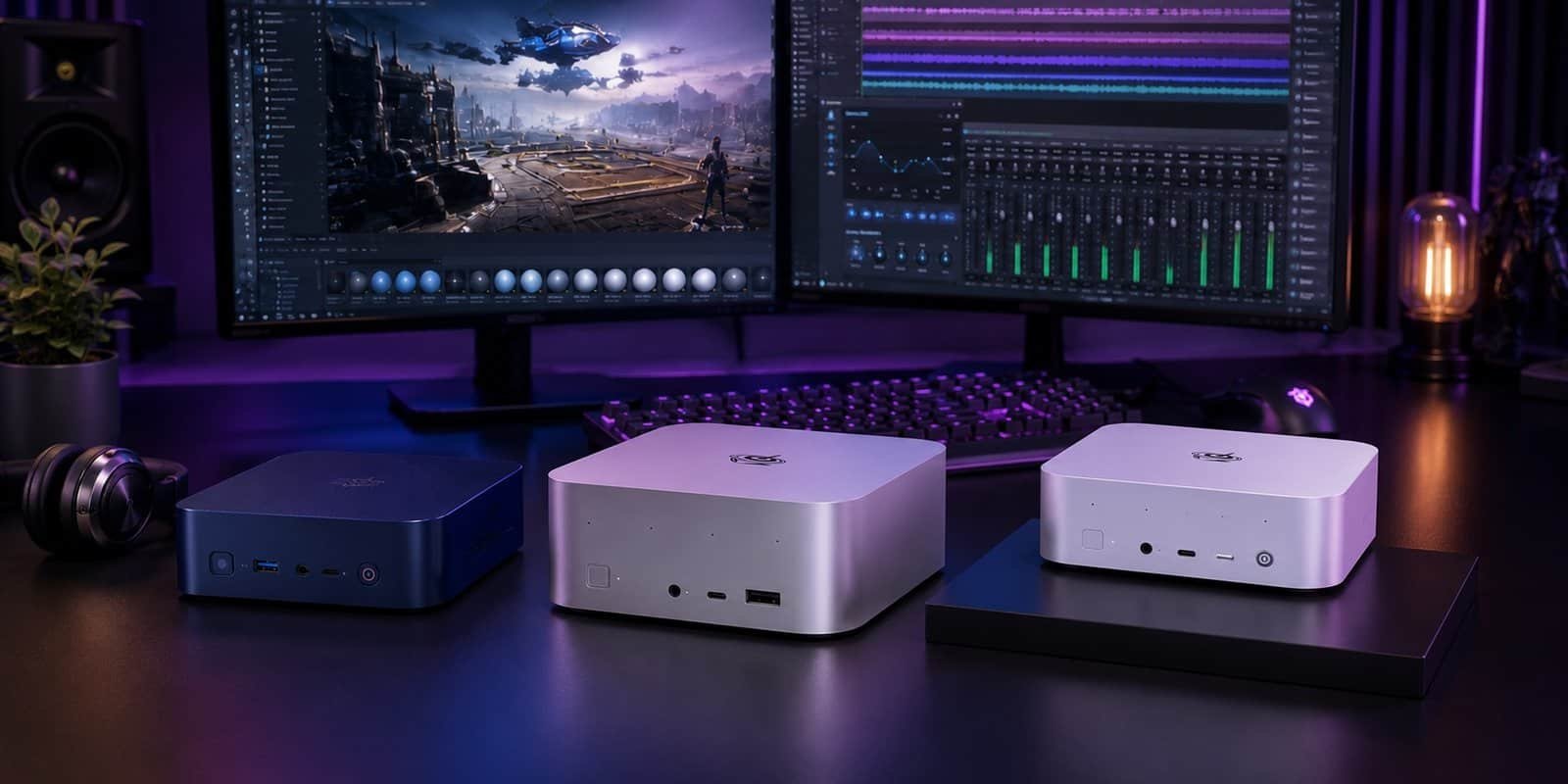
Most mini PC brands stick to one tier. You get either a $300 box for browsing and email, or a $2,000+ machine aimed squarely at enthusiasts. Beelink is one of the few brands that builds seriously across the whole range – from silent office machines that disappear under a monitor to AMD-powered workstations that run local AI models a desktop tower would struggle with.
This Beelink review covers four models that represent four different buyers: the $429 EQ14 for light office work, the $789 SER8 for everyday productivity and light gaming, the $1,129 SER9 Pro for AI workloads and serious multitasking, and the $4,349 GTR9 Pro for anyone who wants a genuine desktop-replacement AI workstation in a box smaller than a hardback book.
What Is Beelink?
Beelink is a Chinese mini PC manufacturer that has spent more than a decade focused on one thing: squeezing desktop-class performance into a footprint that fits in one hand. The lineup is organized into three series – GT (flagship AI PCs and gaming-capable workstations), SE (mainstream productivity and creator machines), and EQ (budget-focused office and home machines) – plus a growing line of docking stations and NAS-style storage devices under the ME series.
The brand’s pitch has shifted noticeably toward AI in 2026. Most current-generation SE and GT models ship with an NPU built into the chip and are marketed around local large language model performance, not just office multitasking or gaming. The GTR9 Pro, for example, is built specifically to run 70B-parameter models locally without sending data to the cloud – a genuinely different use case than the mini PCs Beelink was making just a couple of years ago.
Every model ships with a three-year warranty, a 30-day risk-free trial, and free shipping in most regions – a more generous policy than most mini PC competitors offer.
Beelink Products We Tested
Beelink EQ14 (Intel Twin Lake N150) – Best for Light Office Work
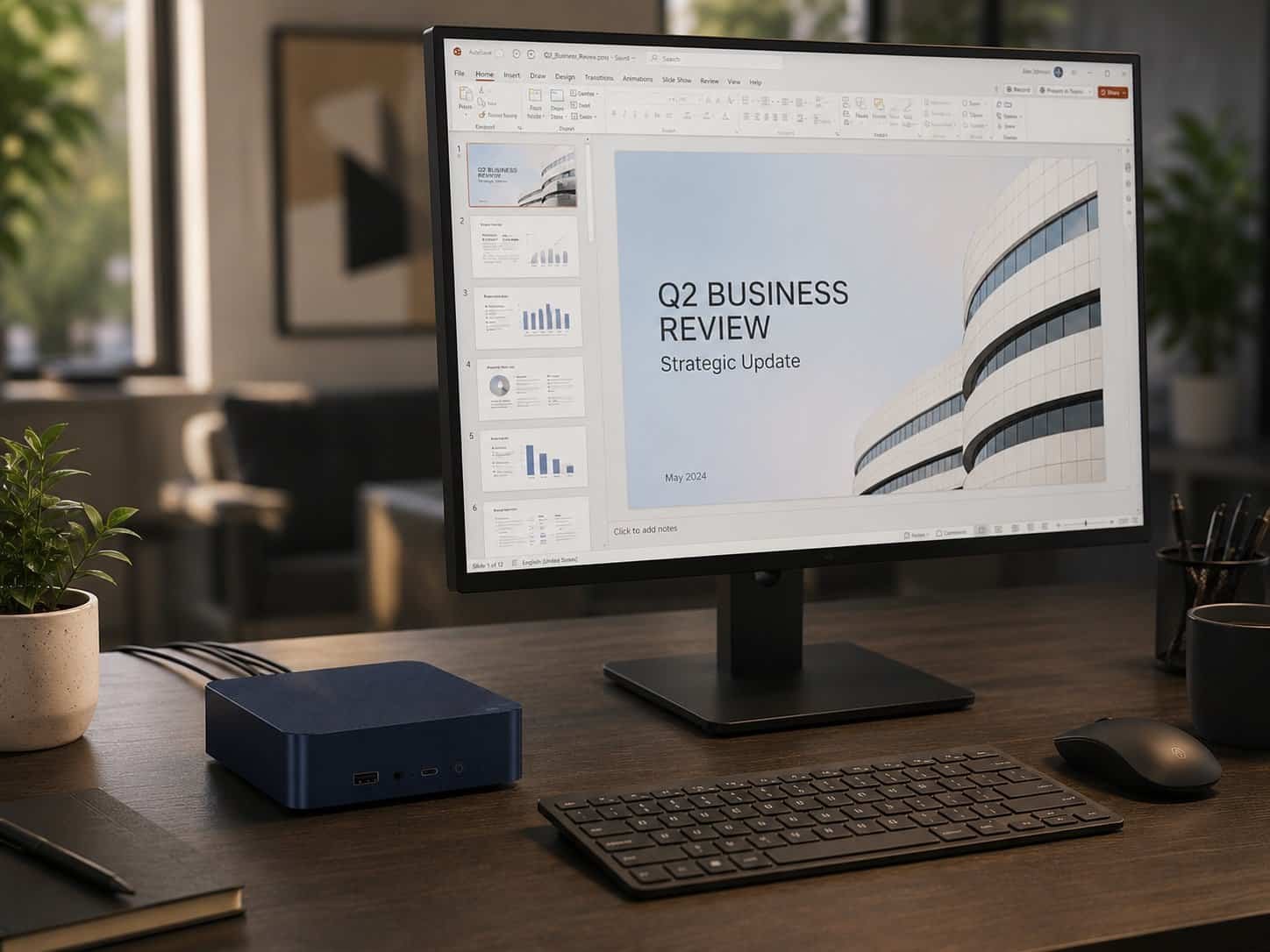
The EQ14 is the entry point into the Beelink lineup, and it’s built for exactly one job: quiet, reliable light-office computing. The Intel Twin Lake N150 is a 4-core, 4-thread chip with a 3.6GHz max turbo frequency – enough for browsing, spreadsheets, video calls, and document work without ever feeling sluggish, but not a machine you’d ask to do anything graphically demanding.
16GB of DDR4 RAM and a 500GB SATA SSD cover the basics, with room to grow – dual M.2 PCIe 3.0 slots support up to 8TB if you outgrow the included drive. Dual 2.5Gbps LAN ports plus WiFi 6 make it a genuinely capable option for anyone setting up a home NAS or a low-power always-on server, which is a more common use case for this model than straight desktop replacement.
Operation is rated at 32dB, which in practice means you won’t hear it over a desk fan. The built-in power supply means a single cable in, no bulky external brick on the floor.
The honest caveat: the N150 will bottleneck anything beyond office work. No serious gaming, no video editing, and forget local AI models entirely – this is a chip built for efficiency, not horsepower. If your daily tasks involve more than a browser and Office, look at the SER8 instead.
Price: $429.00 | Shop the Beelink EQ14 at bee-link.com
Beelink SER8 (AMD Ryzen 7 8845HS) – Best for Everyday Productivity
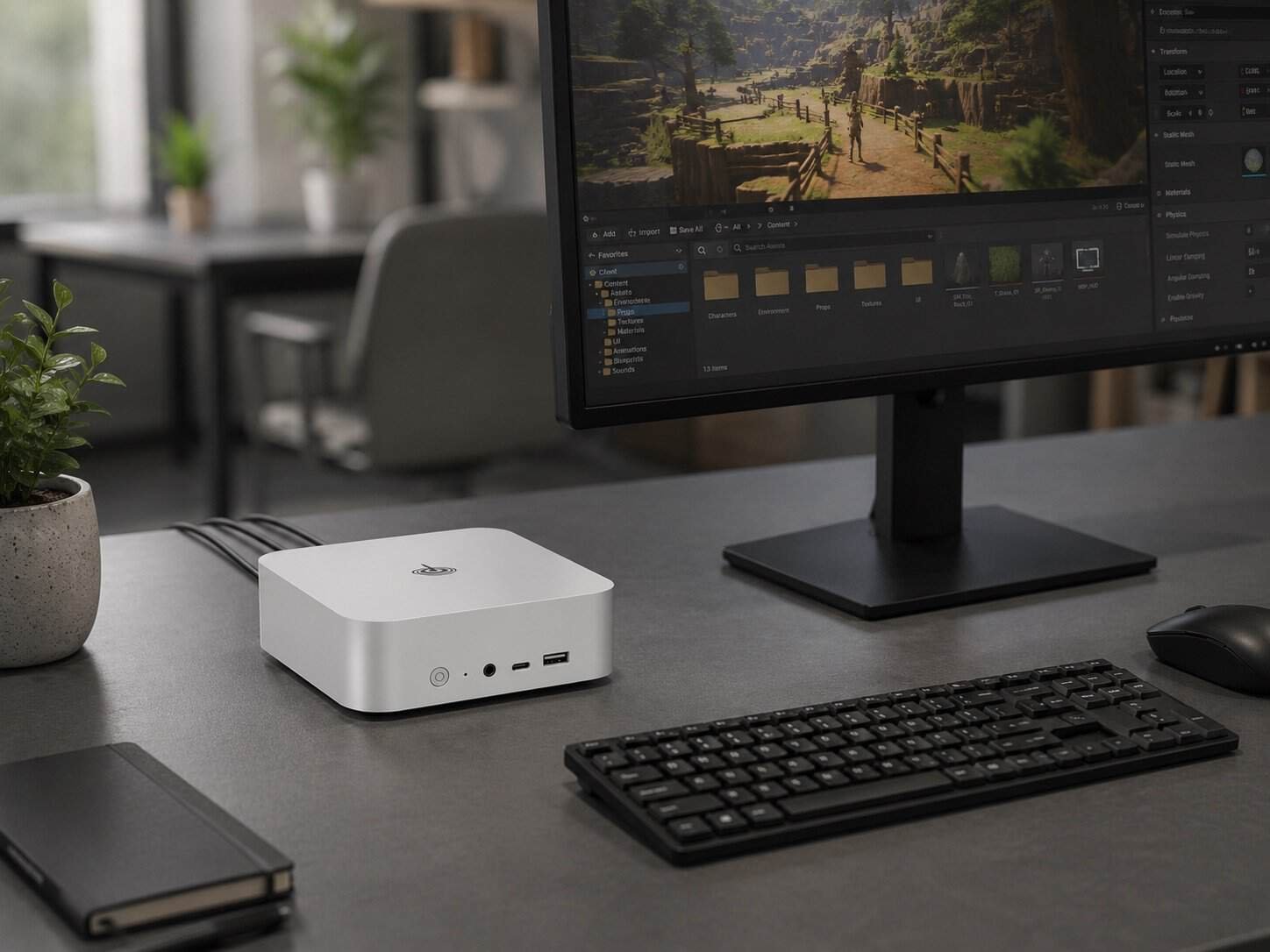
The SER8 is the jump from “good enough” to “genuinely capable.” The AMD Ryzen 7 8845HS packs 8 Zen 4 cores and 16 threads at up to 5.1GHz, paired with a Radeon 780M iGPU that handles light-to-moderate gaming and an NPU rated at 16 TOPS for basic AI acceleration.
The base configuration ships with 24GB of DDR5-5600 RAM and a 1TB PCIe 4.0 SSD, with options up to 64GB if you’re running virtual machines or heavier multitasking. Triple-display output over HDMI 2.1, DisplayPort 1.4, and USB4 supports up to 4K at 144Hz, which makes the SER8 a legitimate option for a multi-monitor home office setup, not just a single-screen box.
In casual gaming benchmarks, the Radeon 780M handles titles like CS:GO and League of Legends comfortably above 100 FPS at 1080p, with more demanding games like PUBG landing in the 70-95 FPS range. It’s not a gaming PC in the traditional sense, but it’s enough for someone who games occasionally and isn’t chasing maximum settings.
The honest caveat: the 780M iGPU still can’t touch a discrete GPU for AAA titles at high settings. And while the NPU technically supports AI workloads, 16 TOPS is modest compared to the SER9 Pro’s 80 TOPS – fine for lightweight tasks, not for running larger local models.
Price: $799.00 | Check the Beelink SER8 at bee-link.com
Beelink SER9 Pro (AMD Ryzen AI 9 HX 370) – Best for AI Workloads and Multitasking
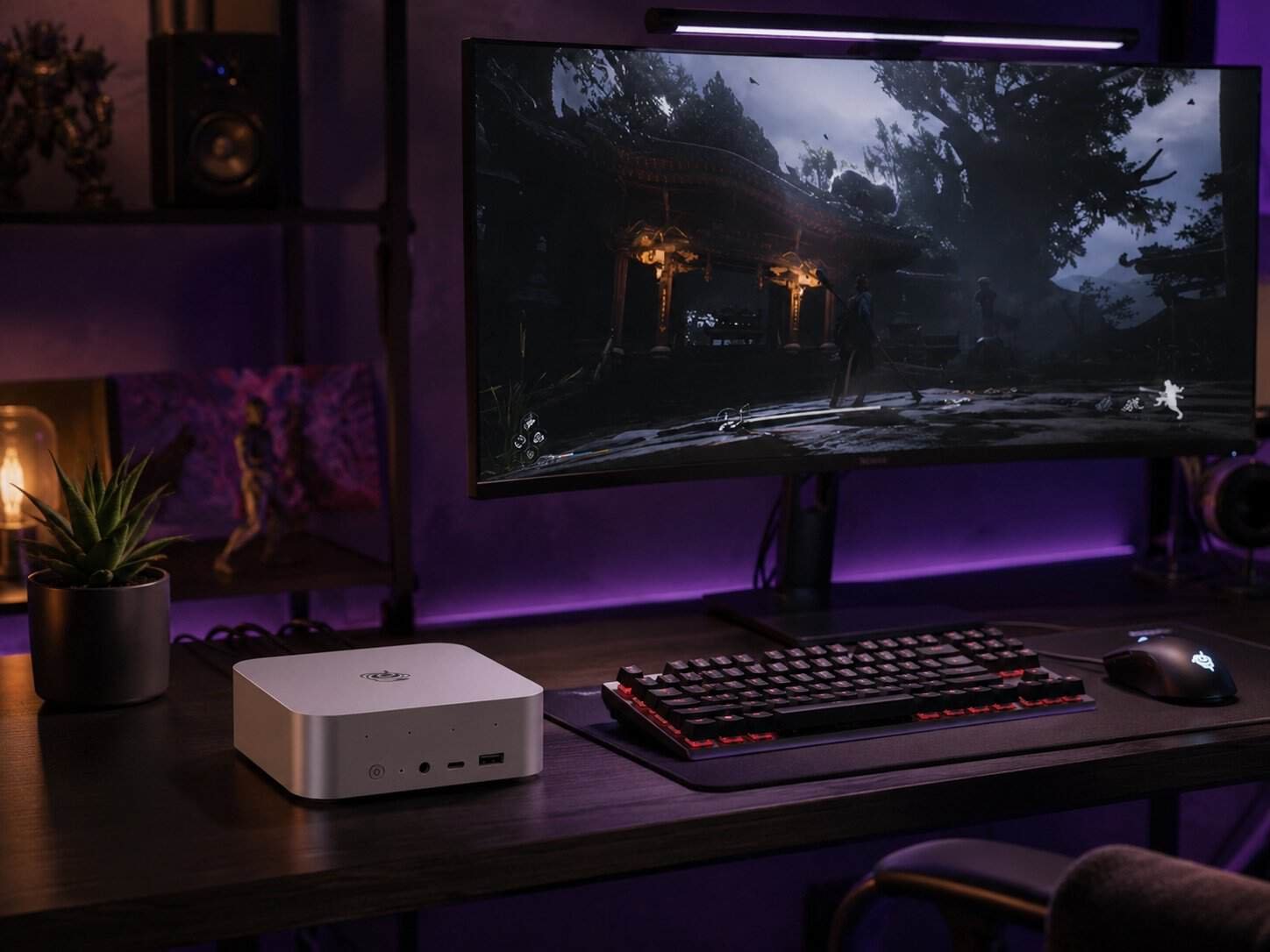
The SER9 Pro is where Beelink’s AI PC pitch starts to feel real. The AMD Ryzen AI 9 HX 370 brings 12 Zen 5 cores, 24 threads, a Radeon 890M iGPU, and an XDNA 2 NPU that contributes to a combined 80 TOPS of AI performance across CPU, GPU, and NPU.
32GB of LPDDR5X-7500 memory comes soldered – fast, but not user-upgradeable, so it’s worth deciding on RAM needs before ordering. Dual M.2 2280 PCIe 4.0 slots support up to 8TB of storage. Triple display output covers up to three 4K screens at 120Hz through DisplayPort, HDMI, and USB4.
Gaming performance is a genuine step up from the SER8: Black Myth Wukong runs in the 98–143 FPS range in Beelink’s testing, with esports titles comfortably clearing 150+ FPS. The 32dB near-silent cooling holds up even under sustained load thanks to the bottom-intake design and dustproof mesh filter.
The honest caveat: 32GB of soldered RAM is a hard ceiling – there’s no upgrade path later. For local LLM work specifically, several buyer reviews note that anything beyond mid-sized models will want more memory than this configuration offers, which points heavier AI users toward the GTR9 Pro instead.
Price: $1,149.00 | Shop the Beelink SER9 Pro at bee-link.com
Beelink GTR9 Pro (AMD Ryzen AI Max+ 395) – Best for Local AI and Creative Workstations
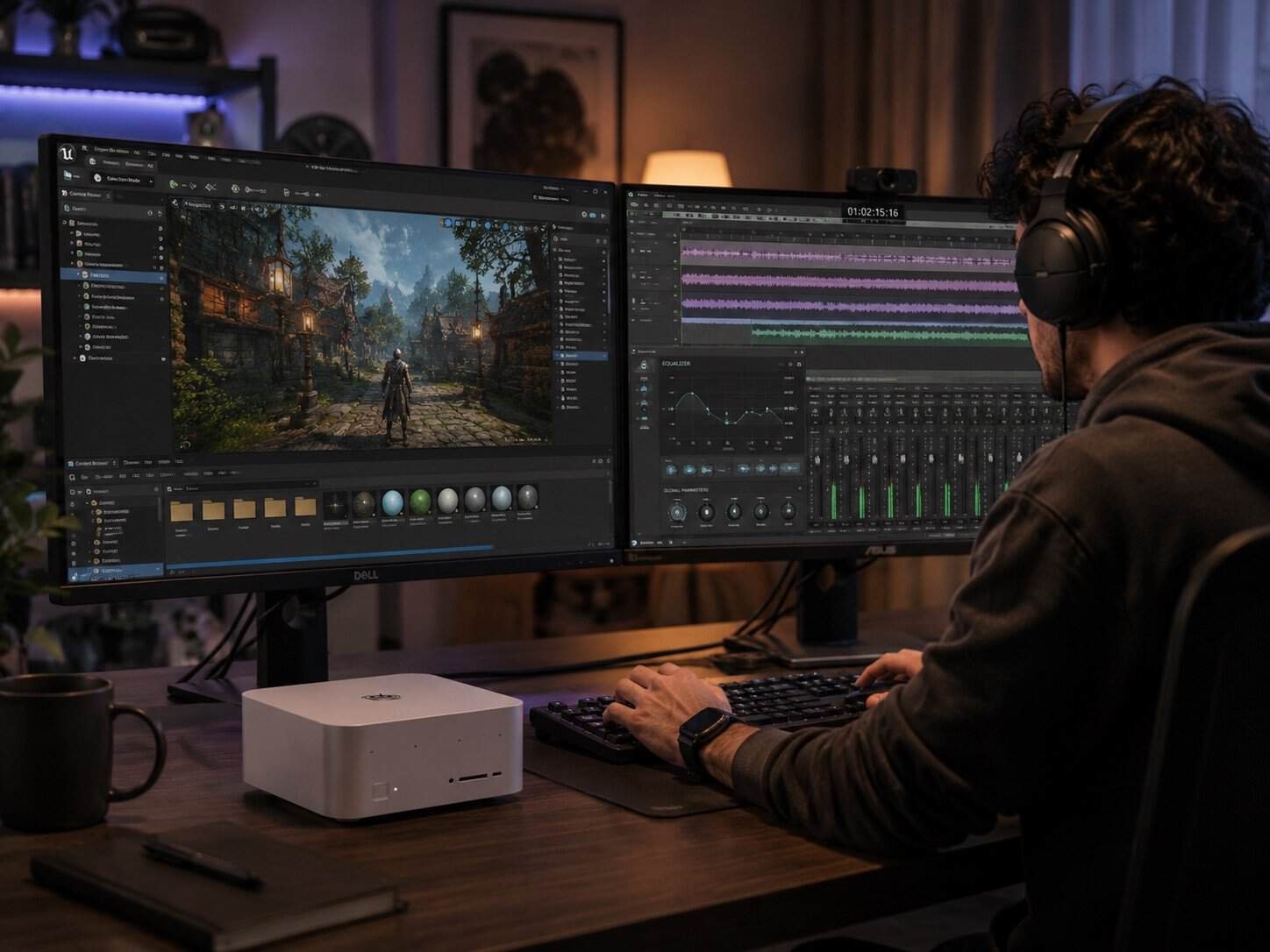
The GTR9 Pro is in a different category from everything else on this list – it’s less a mini PC and more a desktop-replacement AI workstation that happens to be small. The AMD Ryzen AI Max+ 395 brings 16 Zen 5 cores, 32 threads, and an AMD Radeon 8060S iGPU with 40 compute units that performs in the same range as a mobile RTX 4070.
The standout spec is memory: 128GB of soldered LPDDR5X-8000 RAM, paired with dual M.2 PCIe 4.0 slots supporting up to 16TB of storage (the retail unit ships with a 2TB SSD). That memory pool is what makes the GTR9 Pro genuinely capable of local deployment of 70B-parameter AI models – something almost no other mini PC on the market can do without an external GPU.
Dual 10GbE LAN ports and dual USB4 (40Gbps) ports support AI server clustering for anyone building a small local compute setup, and quad 8K display output across HDMI 2.1, DisplayPort 2.1, and USB4 makes it a legitimate option for a high-end creative workstation, not just an AI box. The all-metal chassis, internal aluminum support plate, and built-in 230W power supply are engineered for the kind of sustained 140W TDP load that smaller mini PCs simply can’t handle without throttling.
Buyer reviews consistently note two things: it’s significantly quieter than expected under heavy load, and it’s larger than a typical Beelink mini PC – several reviewers were surprised by the size, even though it’s still far smaller than a conventional desktop tower.
The honest caveat: $4,349 is a serious investment, and the 128GB of RAM is soldered – what you order is what you’re stuck with. A few buyers also flagged that BIOS updates require checking your specific hardware revision first, since Beelink has shipped more than one board revision for this model. Read the documentation before flashing anything.
Price: $4,349.00 | Explore the Beelink GTR9 Pro at bee-link.com
Pros and Cons
Pros
- Genuine coverage across every budget tier – $429 to $4,349, with a real use case at each price point
- Three-year warranty and 30-day risk-free trial on every model – more generous than most mini PC competitors
- All four models run at 32dB or quieter – near-silent even under sustained load
- Local AI capability is real, not just marketing – the SER9 Pro and GTR9 Pro genuinely run local LLMs at usable speeds
- Built-in power supplies on most models mean one cable, no bulky external brick
- Responsive customer support – a recurring theme across verified buyer reviews on Beelink’s own site
Cons
- RAM is soldered on the SER9 Pro and GTR9 Pro – no upgrade path after purchase, so order the configuration you’ll actually need
- Pre-order and shipping windows can run long on newer releases – the GTR9 Pro’s listing notes shipping within 35 days
- Driver and Linux compatibility can lag on brand-new chipsets – a few SER9 Pro and GTR9 Pro reviewers noted needing manual driver installs on Linux
- The GTR9 Pro’s footprint is noticeably larger than Beelink’s typical mini PC form factor, which can be a surprise if you’re expecting something palm-sized
Who Is Beelink Best For?
Beelink works best for people who know roughly what they need a computer to do and want to spend accordingly, rather than overpaying for headroom they won’t use.
The EQ14 is for anyone setting up a secondary home office machine, a kid’s first computer, or a low-power home server – it’s not trying to be more than that, and at $429 it doesn’t need to be. T
he SER8 fits people who want a daily-driver desktop replacement that also handles light gaming and multi-monitor setups without a premium price tag.
The SER9 Pro makes sense for developers, content creators, and anyone experimenting with local AI tools who needs real performance but doesn’t need the GTR9 Pro’s extreme memory ceiling.
The GTR9 Pro is specifically for people running serious local AI workloads, large creative projects, or building a private compute cluster – it’s overkill for anyone who just wants a fast office PC.
Beelink is not the right choice if you need a fully upgradeable desktop down the line – most current-generation models solder the RAM, so the configuration you order at checkout is permanent. It’s also not the choice for anyone who wants out-of-the-box Linux support without occasionally hunting for drivers, since several reviewers across models noted gaps in default kernel support for newer network chipsets.
Beelink vs Minisforum vs GMKtec
| Feature | Beelink | Minisforum | GMKtec |
| Price Range | $429 – $4,349 | $300 – $2,500+ | $200 – $1,500+ |
| Max RAM (flagship) | 128GB LPDDR5X | 96GB | 64GB |
| Local LLM Focus | Yes – GTR9 Pro built for it | Limited | Limited |
| Warranty | 3 years | 1-2 years | 1 year |
| Build Variety | Office, productivity, AI, gaming | Productivity, NAS-focused | Budget-focused |
| Risk-Free Trial | 30 days | Varies by retailer | Varies by retailer |
For an independent look at how mini PCs compare on raw benchmarks, Tom’s Hardware’s mini PC testing coverage is a useful cross-check against any single brand’s marketing claims.
Minisforum tends to compete most directly with Beelink’s SE-series machines on price and spec sheet, with a similar focus on AMD Ryzen AI chips, but Beelink’s warranty and trial period are more generous. GMKtec plays mostly in the budget tier where the EQ14 sits, often undercutting on price but with a shorter warranty window and less consistency in build quality reports.
Final Verdict
The Beelink review conclusion comes down to matching the model to the actual workload, because the gap between these four machines is enormous – a $429 office box and a $4,349 AI workstation share a brand name and not much else.
The EQ14 is the easy, low-stakes recommendation for light office use – quiet, capable enough, and priced to not think twice about. The SER8 is the best all-around value in the lineup: real productivity power, light gaming, multi-monitor support, all under $800. The SER9 Pro earns its price for anyone genuinely using local AI tools or running demanding multitasking workloads day to day. The GTR9 Pro is a specialist machine – extraordinary for local AI deployment and creative work, and not worth the price for anyone who doesn’t need that specific capability.
What makes Beelink worth considering as a brand, not just a single model, is the consistency: every tier is quiet, well-built, and backed by the same three-year warranty and 30-day trial. That’s a more dependable foundation than most mini PC brands offer at any single price point, let alone across four of them.
Browse the full Beelink mini PC lineup at bee-link.com
FAQ
Is Beelink a reliable mini PC brand?
Yes – Beelink backs every current model with a three-year warranty and a 30-day risk-free trial, and verified buyer reviews on the brand’s own site consistently mention responsive customer support resolving hardware issues quickly. Build quality across the EQ, SE, and GT series has also improved noticeably over the past few product generations, with metal chassis construction now standard on mid-range and flagship models.
Which Beelink mini PC is best for gaming?
For casual to moderate gaming, the SER9 Pro (AMD Ryzen AI 9 HX 370) is the sweet spot – its Radeon 890M iGPU handles AAA titles like Black Myth Wukong in the 98–143 FPS range. For the most demanding games at higher settings, the GTR9 Pro’s Radeon 8060S performs closer to a discrete mobile RTX 4070, but its $4,349 price makes it overkill if gaming is your only priority.
Can Beelink mini PCs run local AI models?
Yes, with real differences by model. The SER9 Pro’s 80 TOPS combined AI performance handles mid-sized local models reasonably well. The GTR9 Pro, with 128GB of unified memory and 126 TOPS, is specifically built for local deployment of large models up to 70B parameters – a capability that typically requires a dedicated GPU setup on a traditional desktop.
Is the RAM upgradeable on Beelink mini PCs?
It depends on the model. The budget-tier EQ14 uses a standard SO-DIMM DDR4 slot that can be upgraded later. The SER9 Pro and GTR9 Pro use soldered LPDDR5X memory for performance reasons, which means the RAM configuration you select at checkout is permanent. Always order more memory than you think you’ll need on those models, since there’s no upgrade path afterward.
Do Beelink mini PCs work well with Linux?
Generally yes, though brand-new chipsets can have early driver gaps. Several SER9 Pro and GTR9 Pro buyers reported needing to manually install network drivers on certain Linux distributions, since support for very new NICs isn’t always included in default kernel versions. Once drivers are installed, reviewers report smooth performance running everything from Ubuntu to Fedora as daily-driver or server operating systems.


