
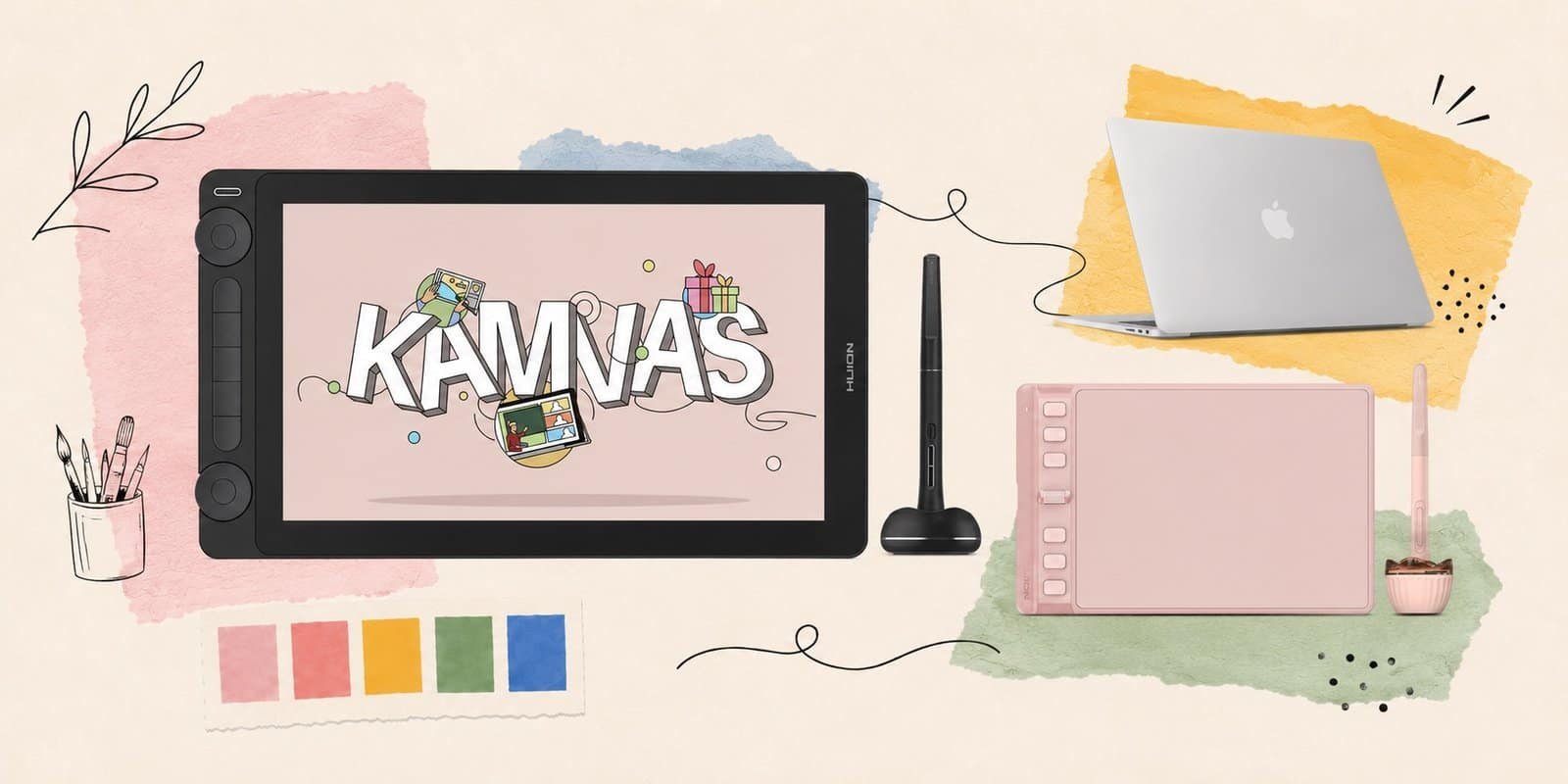
Huion has become the name most digital artists recommend when someone asks about Wacom alternatives – and for good reason. The Chinese brand has spent the last decade closing the gap on hardware quality while keeping prices significantly lower than the category leader. The result is a lineup that covers every type of artist, from someone picking up their first pen tablet to a professional building a dedicated studio setup.
Right now the store is running a Father’s Day Sale with discounts up to 46% – which makes this a particularly good time to pick up a model you’ve been sitting on. All orders come with tax-free shipping.
This Huion review covers five models across the full range: the $44.99 Inspiroy 2 S for total beginners, the $219 Kamvas 13 Gen 3 for first-time pen display users, the $599 Kamvas 22 Gen 3 for serious mid-range buyers, the $1,259 Kamvas Pro 24 Gen 3 for professionals, and the $1,499 Kamvas Studio 16 for anyone who wants a standalone drawing computer with no separate PC required.
What Is Huion?
Huion was founded in 2011 in Shenzhen, China, and has grown into one of the two dominant brands in the consumer drawing tablet market alongside Wacom. Where Wacom built its reputation on professional hardware at professional prices, Huion’s angle has always been comparable performance at a fraction of the cost.
That positioning has evolved significantly. The latest Kamvas Gen 3 lineup uses PenTech 4.0 – Huion’s newest pen technology with 16,384 levels of pressure sensitivity, 0ms pen lag, and tilt support – which matches or exceeds Wacom’s specs at every price point. Canvas Glass 2.0 and 3.0 across different models reduces parallax and gives a more natural pen-on-paper feel. Factory Color Calibration Reports ship with higher-end models, covering 99% sRGB and up to 140% sRGB color gamut.
The lineup breaks into four categories: pen tablets (no screen, like the Inspiroy series), pen displays (screen with pen input, like the Kamvas series), standalone tablets (full computers with pen displays built in, like the Kamvas Studio), and e-ink tablets for note-taking. This review focuses on the first three.
Huion Drawing Tablets We Tested
Inspiroy 2 S – Best Entry-Level Pen Tablet
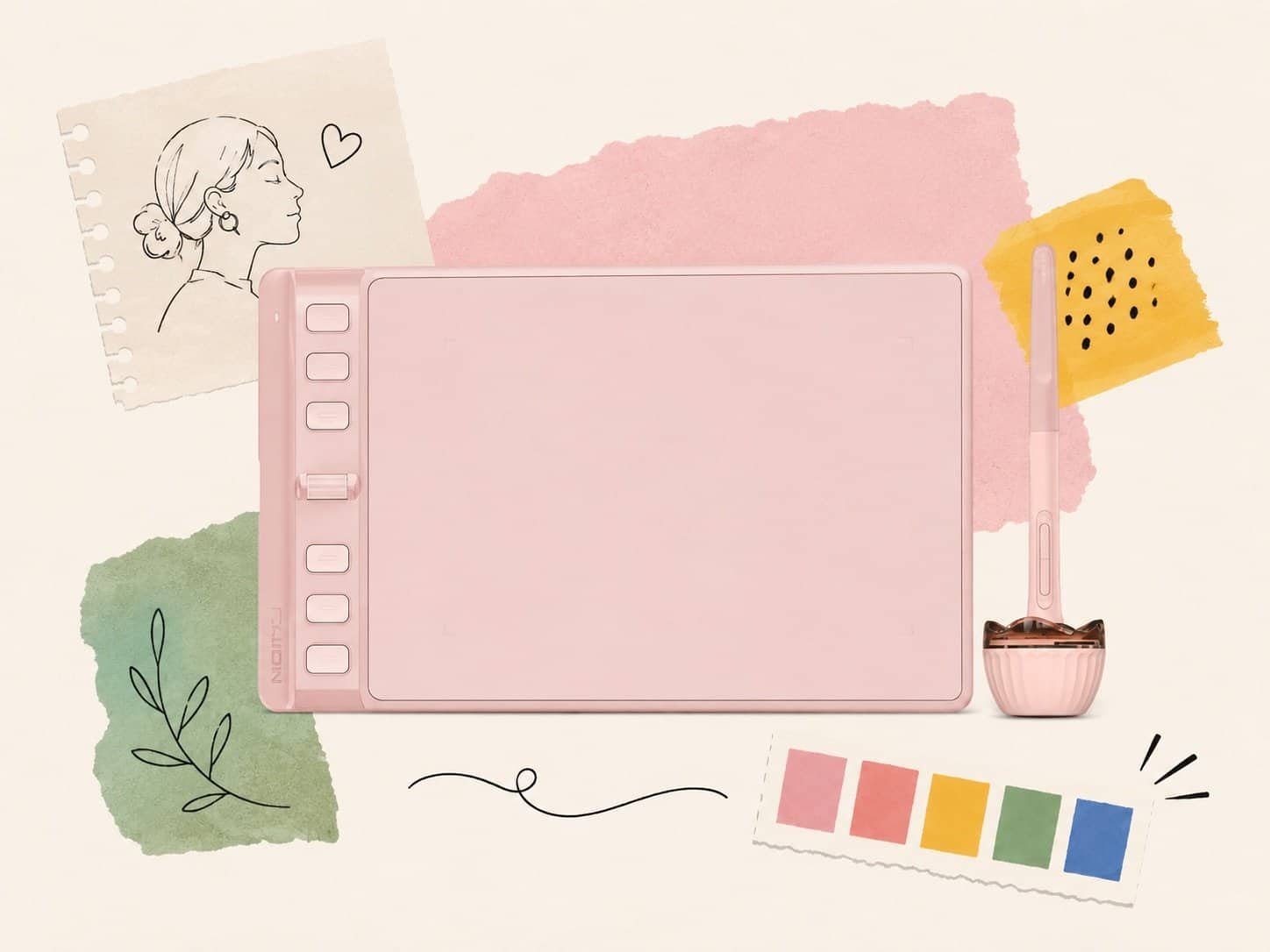
The Inspiroy 2 S is the right answer for the most common question in digital art: what should I start with? At $44.99 it’s low-stakes enough to test whether tablet drawing actually suits your workflow, and capable enough that it won’t hold you back once you’ve decided it does.
The 6.3 x 3.9-inch active area is compact but workable for most use cases – illustration, photo editing, light animation, note-taking. The battery-free PW100 pen has 8,192 levels of pressure sensitivity, which is the current standard for mid-range tablets. Six express keys and one scroll wheel give you quick access to shortcuts without leaving the tablet surface. Android support means it works with a phone or tablet, not just a PC or Mac.
The Inspiroy 2 S won’t replace a pen display – you’re drawing on a blank surface and watching the result on a separate monitor, which takes adjustment. That’s the nature of pen tablets. If you want to draw directly on the screen, the Kamvas 13 Gen 3 is the next step up. But for anyone who wants to start digital art without spending $200+, the Inspiroy 2 S is the honest recommendation.
Available in Black and Sakura Pink. Currently on sale at $44.99 from $49.99.
Price: $44.99 | Shop the Inspiroy 2 S at store.huion.com
Kamvas 13 Gen 3 – Best Beginner Pen Display
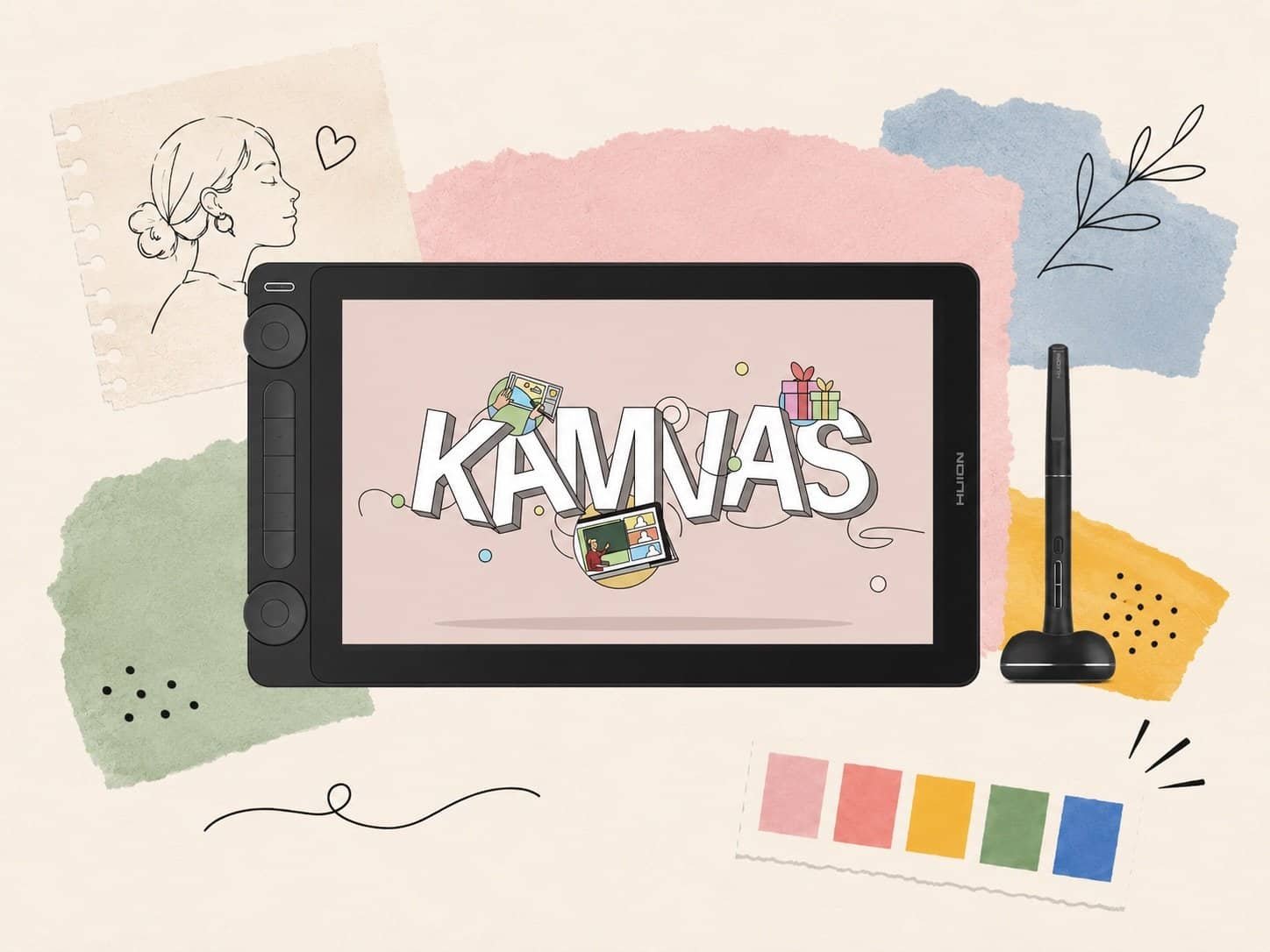
The Kamvas 13 Gen 3 is where most artists who’ve outgrown a pen tablet end up – and where many digital artists start directly if they know they want to draw on a screen. At $219 it’s the most affordable full pen display experience in the Gen 3 lineup.
The 13.3-inch FHD display covers 120% sRGB with a laminated screen that eliminates the gap between the pen tip and what appears on screen. PenTech 3.0 delivers 8,192 levels of pressure sensitivity with tilt support and near-zero lag. The slim 8mm body makes it portable enough to use at a desk or take to a studio. Connects via USB-C to a single cable for both power and data.
The upgrade from the previous generation is meaningful: better color accuracy, improved Canvas Glass for a more natural drawing feel, and a new quick-fold stand that lets you adjust the angle without accessories. Available in Cosmo Black and Sakura Pink. Currently on sale at $219 from $249 – a 12% discount.
The 13-inch size is the main consideration. For detailed illustration work or larger gestures, it can feel cramped – in which case the Kamvas 22 Gen 3 is worth the step up. For most beginners and students, 13 inches is plenty.
Price: $219 | Shop the Kamvas 13 Gen 3 at store.huion.com
Kamvas 22 Gen 3 – Best Mid-Range Pen Display
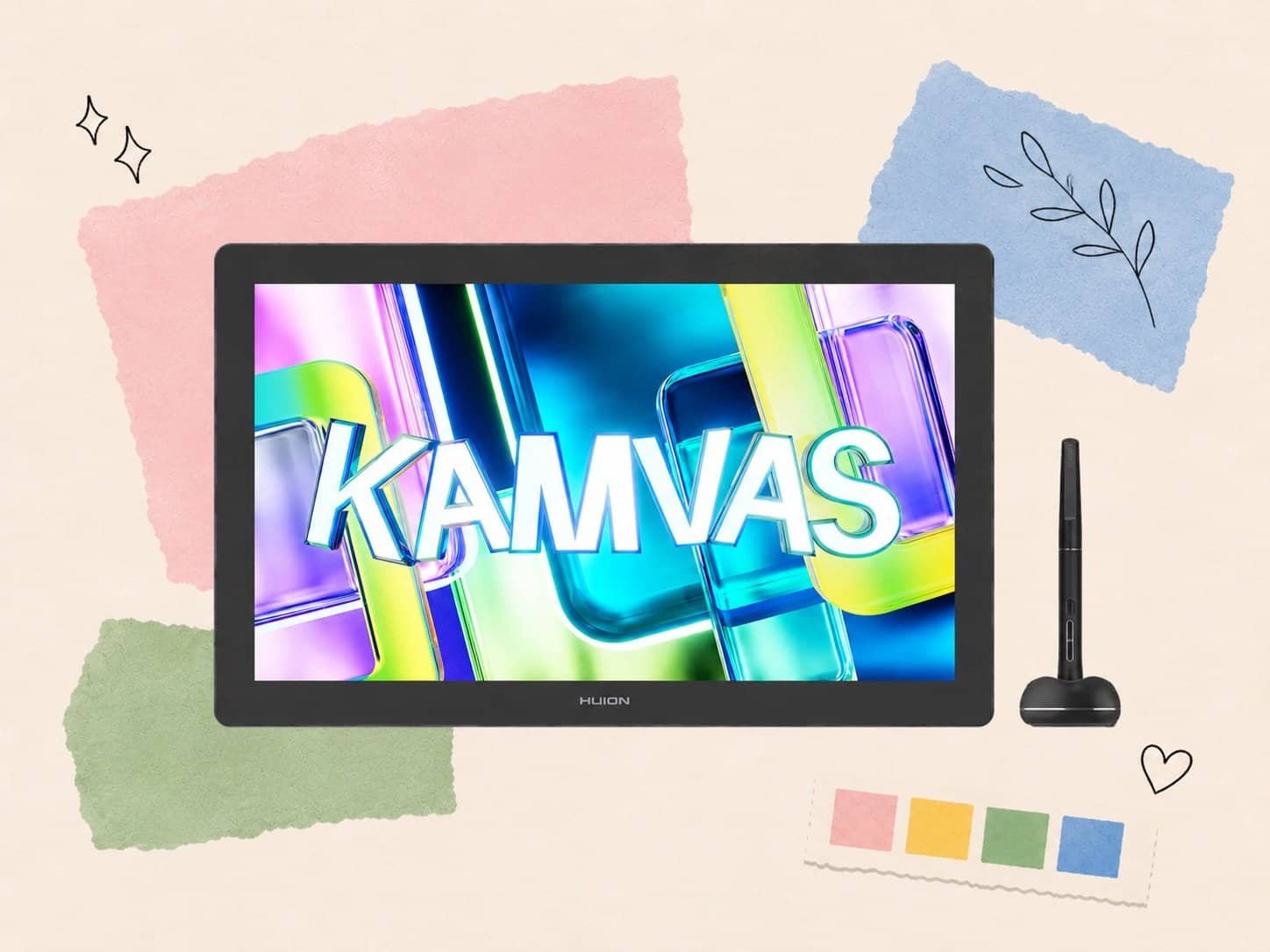
The Kamvas 22 Gen 3 is the sweet spot of the Huion lineup. At $599 it sits far below the Pro models in price while delivering most of the features that matter for serious daily use – and the jump from 13 inches to 21.5 inches changes the way you work more than almost any other upgrade.
PenTech 4.0 arrives at this tier: 16,384 levels of pressure sensitivity (double the Kamvas 13 Gen 3), 0ms lag, and dual-pen support – meaning two people can draw on the screen simultaneously. The 2.5K QHD display runs at 90Hz for noticeably smoother pen movement. Canvas Glass 2.0 reduces parallax and glare. The Factory Color Calibration Report confirms 140% sRGB coverage and 1.07 billion color output.
Ambient lighting is a genuinely useful addition: the display auto-adjusts brightness based on room conditions, reducing eye strain during long sessions. The built-in kickstand supports multiple angles. Connectivity covers USB-C, HDMI, and a three-port USB hub built into the unit itself.
For illustrators, animators, and designers who spend hours at the tablet daily, the Kamvas 22 Gen 3 is the model we’d recommend as a primary workstation display. The $380 gap between this and the Kamvas 13 Gen 3 is significant, but the working surface increase justifies it for anyone doing detailed work.
Price: $599 | View the Kamvas 22 Gen 3 at store.huion.com
Kamvas Pro 24 Gen 3 – Best Professional Pen Display
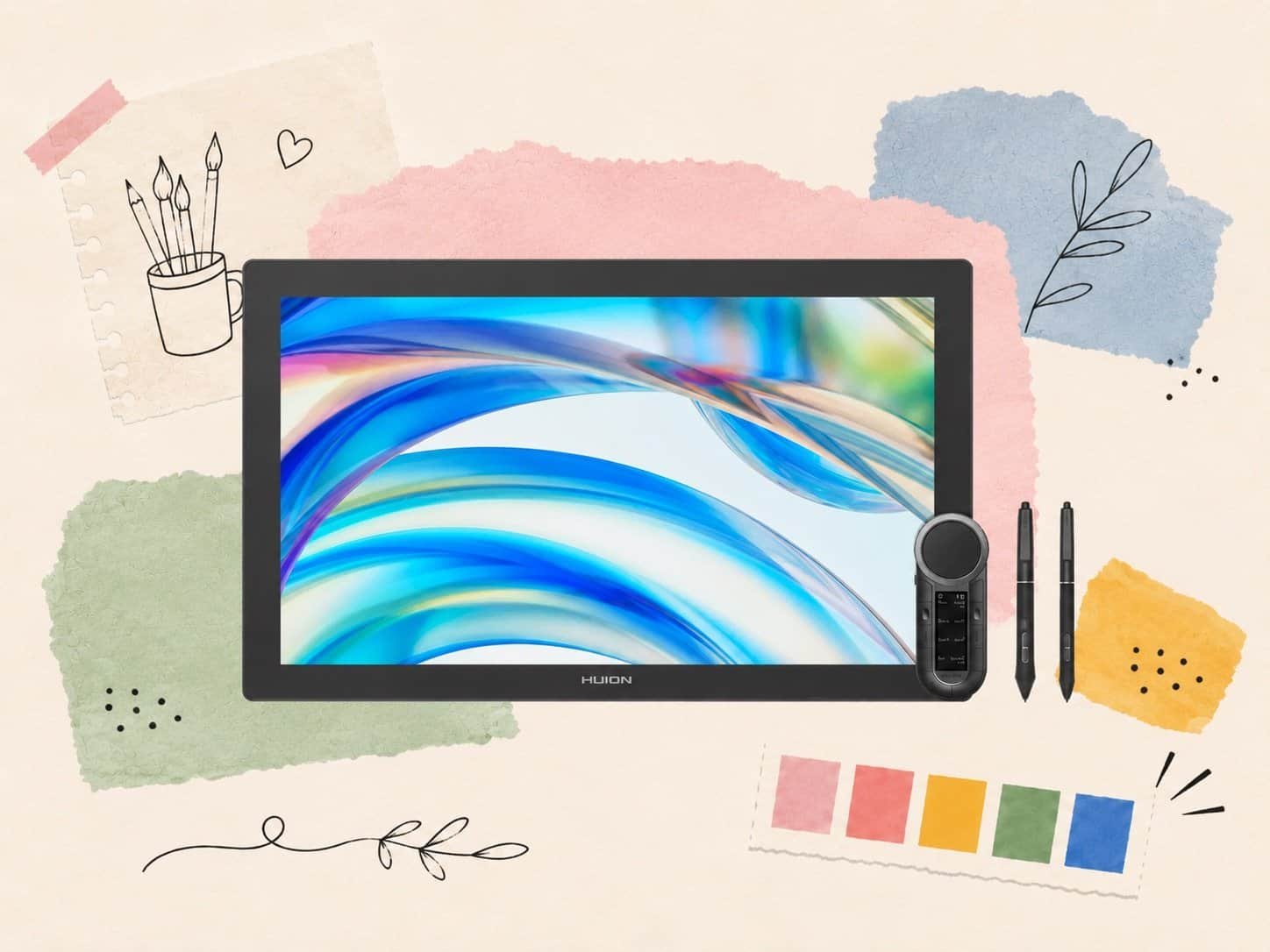
The Kamvas Pro 24 Gen 3 is built for professionals who need the most accurate, largest pen display that Huion makes without going to a standalone computer. The 23.8-inch 4K UHD display is immersive in a way that smaller displays simply aren’t – details that require zooming on a 13-inch screen are legible at actual size on the Pro 24.
Canvas Glass 3.0 is the highest tier in the lineup – etched surface that more closely mimics paper texture, reduced glare, tighter parallax tolerance. PenTech 4.0 with dual-pen support. The Factory Color Calibration Report covers 99% Adobe RGB and 98% DCI-P3 – professional color standards that matter for anyone whose work goes to print or broadcast. The Keydial mini dial controller is included, offering precision input for rotation, zoom, and brush size without lifting the pen.
At $1,259 (on sale from $1,399), this competes directly with Wacom’s Cintiq 22 at $1,099 – and wins on specs at a similar price point. For professional illustrators, concept artists, or anyone whose income depends on the quality of what comes off their display, the Pro 24 Gen 3 is the honest recommendation in this price range.
Price: $1,259 | Explore the Kamvas Pro 24 Gen 3 at store.huion.com
Kamvas Studio 16 – Best Standalone Drawing Computer
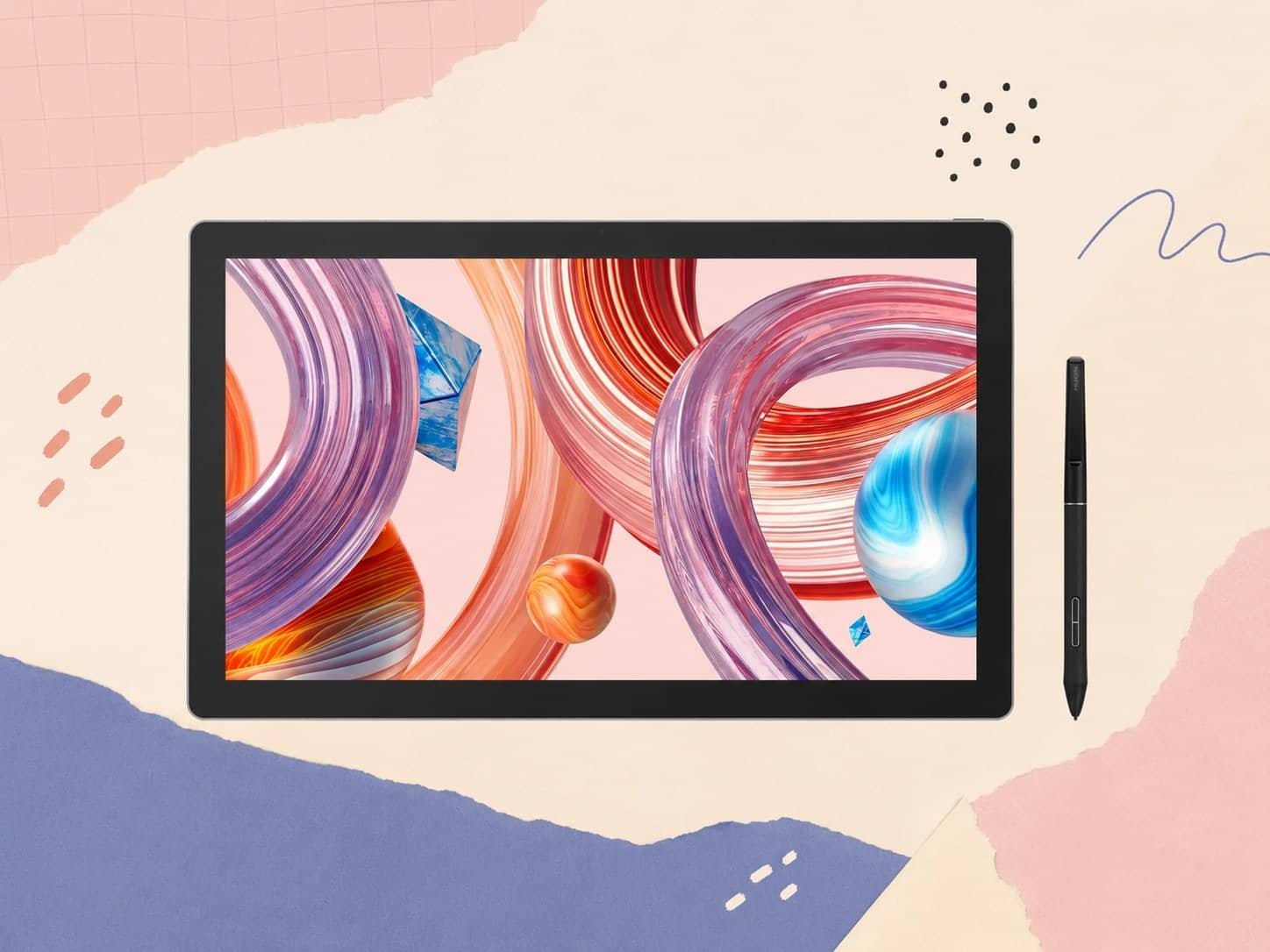
The Kamvas Studio 16 is a different category of product from everything else on this list. It’s not a pen display that connects to a computer – it is the computer. Intel Core i7, 16GB RAM, 512GB SSD, Windows 11 Professional, and a 15.8-inch 2.5K pen display, all in one device. For artists who want a dedicated drawing setup without a separate desktop or laptop, this eliminates the cable management, the desk space, and the compatibility questions in one purchase.
Multi-touch support on the display means it works like a large tablet as well as a pen display. PenTech 3.0 with 8,192 levels of pressure sensitivity – note this is the previous generation pen tech compared to the Kamvas 22 and Pro 24. That’s a real consideration at this price point, though for most workflows the difference is imperceptible.
The portability angle is genuine – at 15.8 inches and with a built-in kickstand, it goes from desk to lap to studio bag more naturally than a traditional desktop setup. Battery life wasn’t specified at the time of writing; verify on the product page before purchasing if portability is a priority.
At $1,499 (on sale from $1,699) it’s a significant investment. The value case is strongest for artists who don’t already have a capable computer and want everything in one device. If you already have a powerful desktop, the Kamvas Pro 24 Gen 3 at $1,259 gives you a bigger display and newer pen technology for less.
Price: $1,499 | Find the Kamvas Studio 16 at store.huion.com
Pros and Cons
Pros
- PenTech 4.0 on Gen 3 models delivers 16,384 pressure levels and 0ms lag – spec-matching or exceeding Wacom at lower prices
- Father’s Day Sale running now – discounts up to 46% sitewide
- Tax-free shipping on all orders – meaningful saving at higher price points
- Full lineup from $44.99 to $1,499 – genuine options at every skill level and budget
- Canvas Glass 2.0 and 3.0 give a noticeably more natural pen-on-paper feel than competitors at the same price
- Factory Color Calibration Report included with Pro models – professional color accuracy verified out of the box
- Strong software compatibility: Windows, macOS, Android, Chromebook, Linux
Cons
- Driver software has historically been less polished than Wacom’s – improved in recent versions but still occasionally requires manual updates
- Kamvas Studio 16 uses PenTech 3.0, not 4.0 – older pen generation at the highest price point
- No wireless pen support on current Gen 3 models – cable required for all pen displays
- Brand recognition gap versus Wacom still matters in some professional environments where clients or employers specify equipment
Who Is Huion Best For?
Huion works for nearly every type of digital artist – the question is which model fits where you are right now.
First-timers and students testing the waters should start with the Inspiroy 2 S ($44.99). It costs almost nothing relative to other entry points and gives a genuine tablet drawing experience without committing to a full pen display. If you pick it up and hate it, you’ve lost $45. If you love it, you have a clear upgrade path.
Artists who want to draw directly on a screen and are working within a student or hobbyist budget should go straight to the Kamvas 13 Gen 3 ($219). The step from pen tablet to pen display is significant – most people don’t go back.
Working professionals or serious hobbyists who spend hours at the tablet daily will find the Kamvas 22 Gen 3 ($599) is the model that matches their output. The working surface, display quality, and PenTech 4.0 pen make it the right primary workstation display for the price.
Professional illustrators, concept artists, and anyone whose income depends on color accuracy should look at the Kamvas Pro 24 Gen 3 ($1,259). The 4K display, Canvas Glass 3.0, and professional color certification are meaningful at this level.
Huion is not the right choice if Wacom compatibility is a requirement, if wireless pen support is essential, or if you need the absolute gold standard in driver stability for a professional production environment. In those cases, Wacom’s Cintiq line is still the benchmark – at a significantly higher price.
Final Verdict
Huion has earned its place as the default recommendation for digital artists who don’t want to pay Wacom prices. The Gen 3 lineup is the best hardware the brand has ever shipped – PenTech 4.0, Canvas Glass, factory color calibration, and competitive pricing at every tier.
The Inspiroy 2 S ($44.99) is the no-risk starting point. The Kamvas 13 Gen 3 ($219) is the right first pen display for most beginners. The Kamvas 22 Gen 3 ($599) is the working professional’s daily driver. The Kamvas Pro 24 Gen 3 ($1,259) is for people whose output demands the best. The Kamvas Studio 16 ($1,499) is for people who want everything in one device.
With the Father’s Day Sale running now, this is one of the better times of the year to buy. Discounts up to 46% on selected models, tax-free shipping, and PayPal installment options make the higher-end models more accessible than usual.
Browse the full Huion lineup at store.huion.com
FAQ
Is Huion as good as Wacom?
For most users – yes. The Gen 3 lineup matches Wacom on pressure sensitivity (16,384 levels), pen latency, and display quality at significantly lower prices. Wacom’s advantages are driver maturity, a wider accessory ecosystem, and brand recognition in professional environments. For independent artists and students, Huion is the more practical choice in 2026.
What is the best Huion tablet for beginners?
The Kamvas 13 Gen 3 ($219) if you want to draw directly on a screen – it’s the most accessible pen display experience and the most common starting point for new digital artists. The Inspiroy 2 S ($44.99) if you want to try tablet drawing with minimal investment before committing to a display.
Do Huion tablets work with Photoshop, Procreate, and Clip Studio Paint?
Yes. All current Huion models are compatible with Photoshop, Illustrator, Clip Studio Paint, Procreate (iPad), Krita, and most major creative software on Windows and macOS. Android-compatible models (including the Inspiroy 2 S) also work with mobile drawing apps.
What is PenTech 4.0?
PenTech 4.0 is Huion’s latest pen technology, available on Gen 3 models from the Kamvas 22 Gen 3 upward. It delivers 16,384 levels of pressure sensitivity (double the previous standard), 0ms pen latency, tilt support, and dual-pen capability. The battery-free stylus never needs charging.
Is the Kamvas Studio 16 worth it over a separate pen display and laptop?
It depends on your situation. The Kamvas Studio 16 makes sense if you don’t already have a capable computer and want a single dedicated drawing device. If you already have a powerful laptop or desktop, the Kamvas Pro 24 Gen 3 gives you a larger display with newer pen technology (PenTech 4.0) for $260 less. The Studio 16’s strength is consolidation – one device, one power cable, no compatibility issues.


