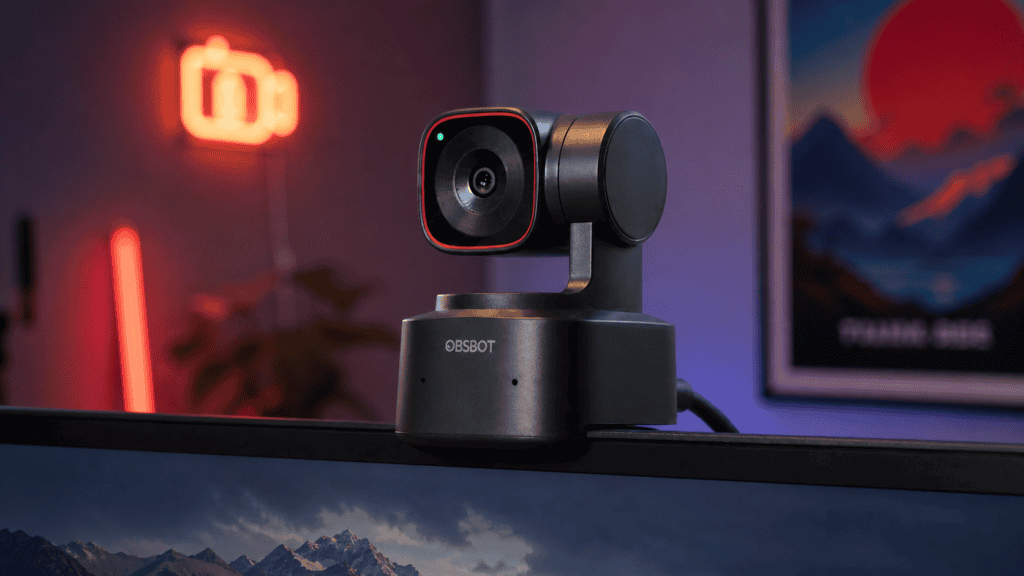
Have you ever recorded a video to find out you walked right out of the frame? Or wasted time trying to get your webcam positioned just right for an important video call?
OBSBOT built its whole company around fixing this problem. They make AI-powered cameras and webcams that follow you and keep you centered without touching anything. We tested their products for several weeks – streaming, making content, and taking video calls – to see if they work as promised and to give you a qualified OBSBOT review.
What Is OBSBOT?
OBSBOT creates AI-powered cameras and webcams for content creators, streamers, teachers, and remote workers. They started with one goal: to eliminate the need for someone behind the camera or complicated setups. Their products feature automatic tracking, pan-tilt-zoom, and smart framing.
They focus on people who make videos alone. YouTubers, Twitch streamers, online instructors, business pros who run webinars, and churches that stream services all use their gear. What makes them different from regular webcams? Their PTZ (pan-tilt-zoom) technology works with AI tracking that follows you around your space.
Their cameras range from small webcams at $119 to professional streaming cameras at $1,369.
OBSBOT Product Breakdown
OBSBOT Tiny 3 Series
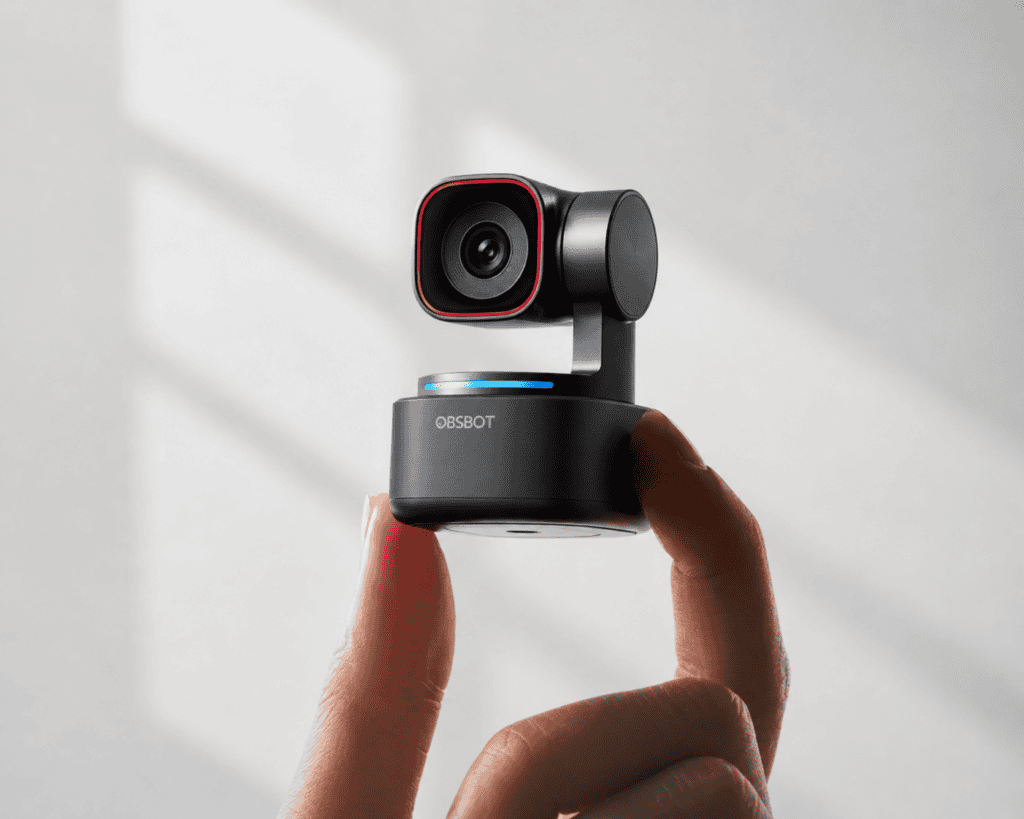
The Tiny 3 is their top webcam. It has a huge 1/1.28″ CMOS sensor in a small package. This is their newest model and shows off their most advanced webcam tech.
Key Features:
- 4K resolution at 30fps
- AI Tracking 2.0 with voice tracking
- Stereo microphone system
- 12x hybrid zoom
- PTZ capabilities
Best For: Creators and professionals who want the best possible webcam image quality. The stereo mics make it great for podcasters or anyone who doesn’t want separate audio gear.
Honest Assessment: The picture quality matches that of some real cameras, and the AI tracking moves. But at $349 for the standard version, it’s quite expensive. The Tiny 3 Lite at $199 has similar features with lower specs–a better starting point for most users.
Price: $349 (Tiny 3) / $199 (Tiny 3 Lite)
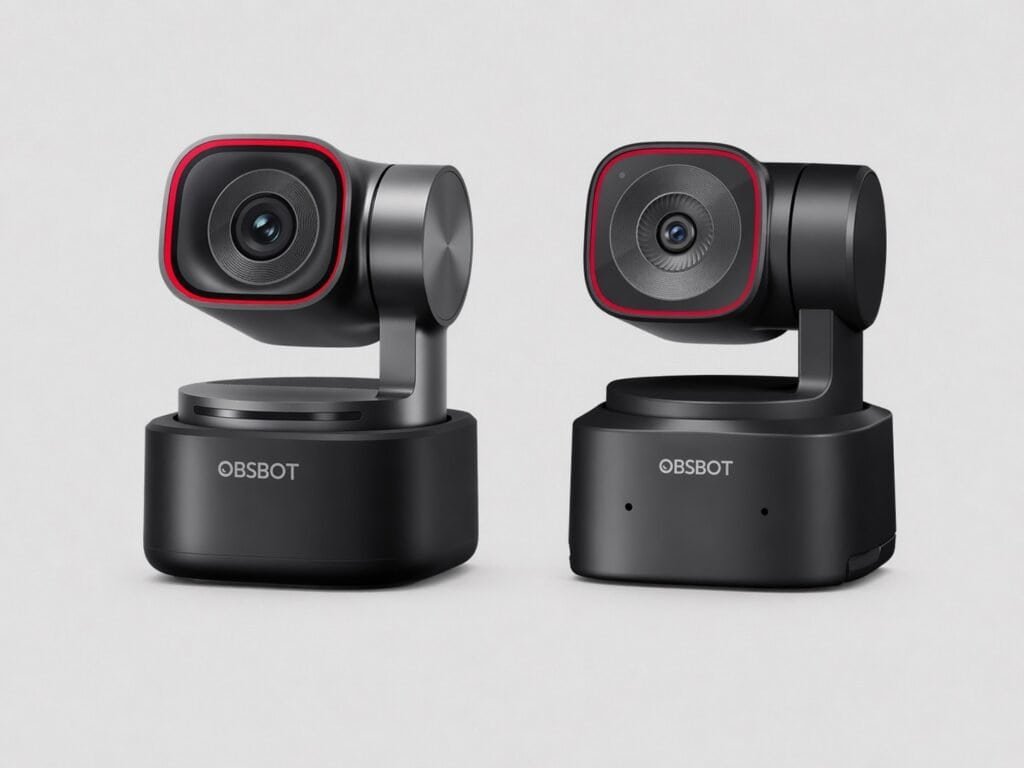
OBSBOT Tiny 2 and Tiny 2 Lite
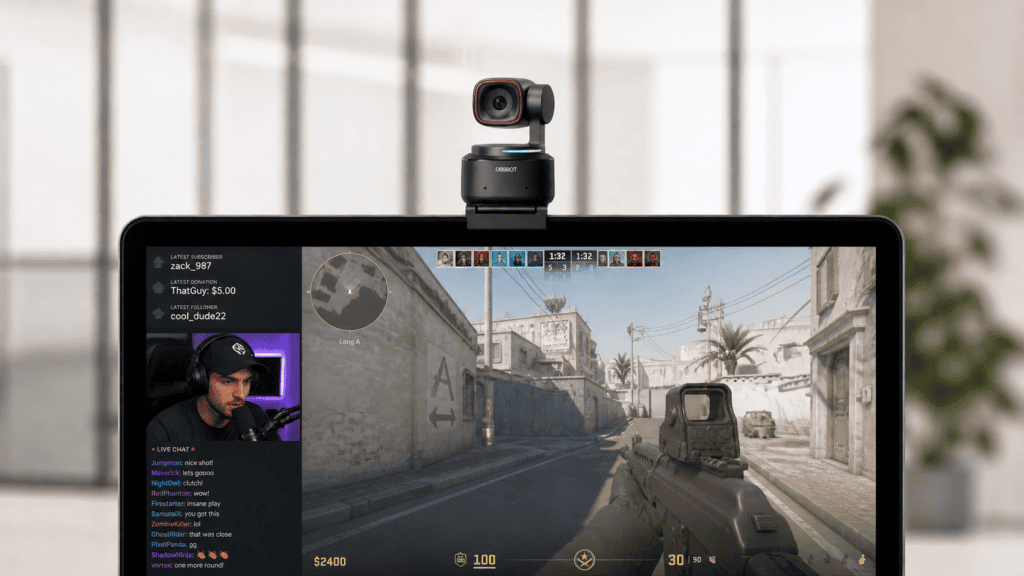
Key Features:
- 4K at 30fps or 1080p at 60fps
- 1/1.5″ CMOS sensor
- Full PTZ with AI tracking
Best For: Streamers who want smooth 60 fps at 1080p and don’t need the latest sensor tech.
Honest Assessment: The Tiny 2 Lite at $119 offers incredible value, delivering professional AI tracking and 4K video for less than many basic webcams. The regular Tiny 2 at $249 feels overpriced compared to the Lite and is less advanced than the Tiny 3.
Price: $249 (Tiny 2) / $119 (Tiny 2 Lite)
Shop Tiny 2 Lite – Best value for most users
OBSBOT Meet 2
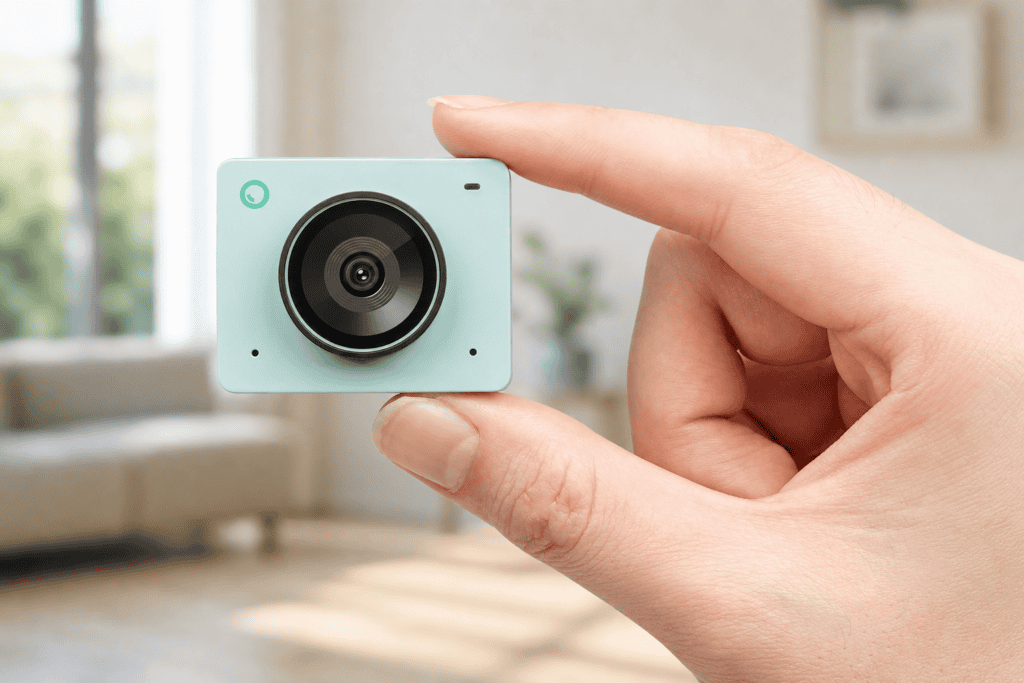
Key Features:
- 4K resolution
- AI auto-framing (digital cropping, no PTZ)
- Fixed position
Best For: Remote workers who primarily use Zoom, Teams, or Google Meet for video calls and don’t need camera movement.
Honest Assessment: At $129, it matches other 4K webcams in price and keeps you centered during calls. However, the Tiny 2 Lite costs only $43 more and offers full PTZ with tracking, making it a better value.
Price: $129
Nevertheless, here you can buy OBSBOT Meet 2 if you prefer it more
OBSBOT Tail Air and Tail 2
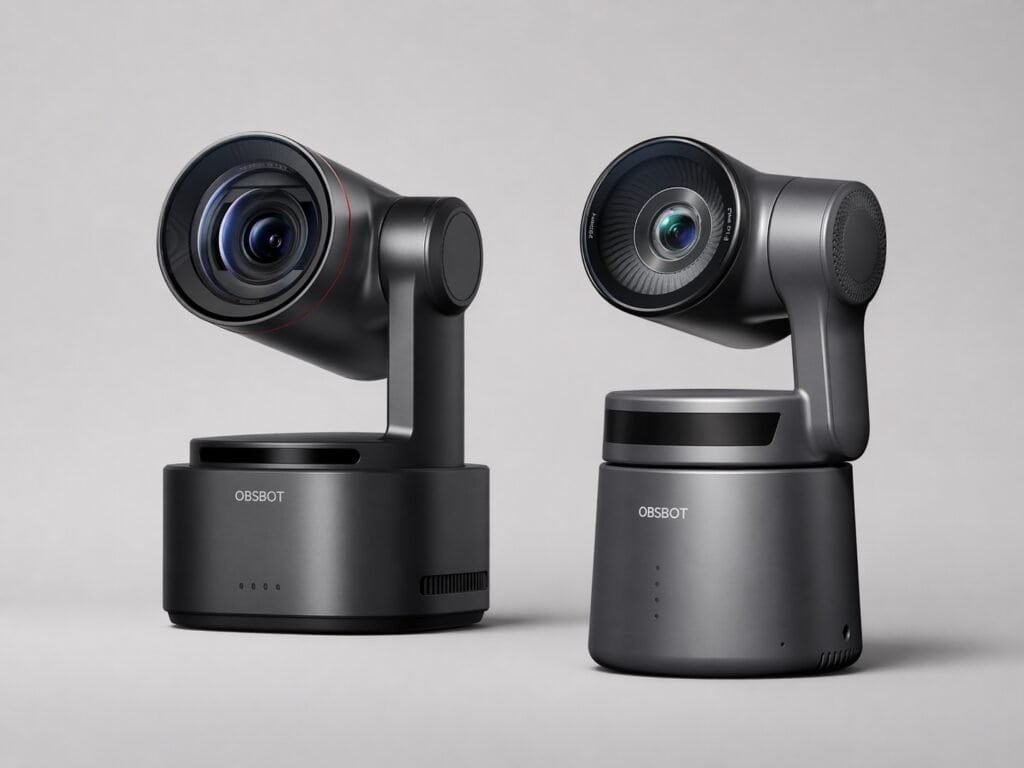
OBSBOT Tail Air
Key Features:
- Small 4K PTZ camera
- NDI support for multi-camera setups
- Broadcast-quality video
Best For: Professional streamers, churches, schools, and anyone running multi-camera productions.
Honest Assessment: The Tail Air offers excellent value at $499 for a compact, professional-grade streaming camera. It performs well beyond its price point for serious production setups.
Price: $499
OBSBOT Tail 2
Key Features:
- 4K PTZR (pan-tilt-zoom-roll)
- 12x hybrid zoom
- Advanced professional features
Best For: High-end professional streaming and multi-camera production environments.
Honest Assessment: At $1,199, the Tail 2 competes with cameras costing $2,000 or more. It’s overkill for casual creators but impressive for professional use.
OBSBOT Talent
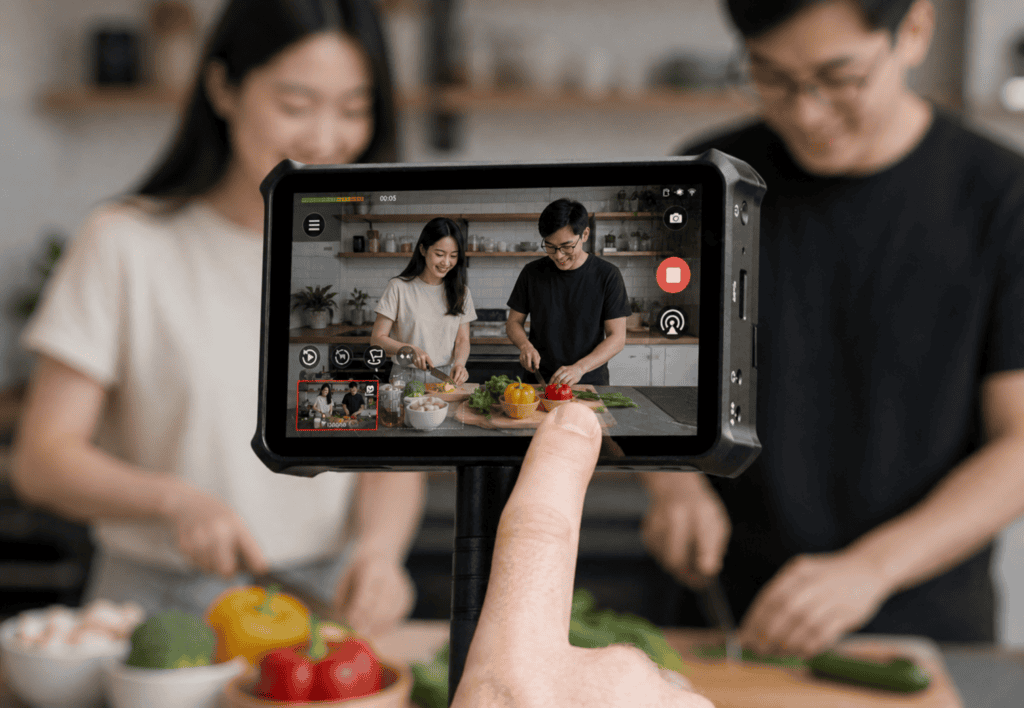
Key Features:
- Portable multi-camera live streaming and production studio
- Handles multiple camera inputs, graphics, and streaming simultaneously
Best For: Content creators wanting a full production setup without mastering complex software like OBS or vMix.
Honest Assessment: The Talent fills a unique niche by replacing multiple pieces of gear and simplifying multi-camera workflows. It costs $1,059 and is best suited for creators who need a streamlined, all-in-one solution. Beginners should probably skip it.
Price: $1,059
Pros and Cons
Pros:
- AI tracking that delivers: Unlike cheap cameras that constantly lose the subject, OBSBOT’s AI keeps the subject in view.
- Impressive video quality: The bigger sensors create sharper footage than regular webcams
- Works right out of the box: Most functions run plug-and-play without installing annoying software.
- Pro-level features without pro prices: PTZ controls, NDI compatibility, and 4K resolution used to cost way more
- Options for everyone: Need a basic webcam or professional streaming camera? They’ve got both covered.
- Built to last: These cameras feel premium and sturdy, not flimsy
Cons:
- Costs more than basic webcams: Even their cheapest models run 2-3x higher than standard options
- Takes time to master advanced stuff: Getting comfortable with gesture controls and tracking settings requires practice.
- Tracking sometimes goes overboard: The camera follows movements you didn’t want tracked.
- Cheaper models struggle in darkness: The Tiny SE and Meet SE don’t perform well in low light.
Who Is OBSBOT Best For?
OBSBOT is ideal for:
- Content creators who record themselves often and want professional-looking videos without paying a camera operator
- Streamers who walk around during broadcasts or need interesting camera movements
- Online teachers and coaches who demonstrate physical activities (fitness, cooking, crafts) and need the camera to follow them
- Remote workers who want to look way better on video meetings than everyone else
- Small churches or groups streaming events without spending thousands
Who should skip OBSBOT:
- People who do video calls–a cheap webcam works fine for occasional use
- Anyone watching their budget –these are premium cameras with premium costs
- Users wanting the tiniest, most portable webcam possible–the PTZ parts add size
- Anyone needing super-wide shots of groups–these focus on tracking individual people
OBSBOT vs Alternatives
| Model | Price Range | Tracking | Image Quality | Best For | Verdict |
| OBSBOT Tiny 2 Lite | $119 | Full PTZ AI | 4K, good sensor | Most streamers & creators | Best value for most users |
| Logitech StreamCam | ~$170 | None | Solid 1080p | Stationary recording | Cheaper, no tracking |
| Razer Kiyo Pro | ~$200 | None | Good 1080p | Stationary streaming | Fixed camera, no tracking |
| PTZOptics | $800-$2,000+ | Full PTZ | Broadcast grade | Enterprise multi-camera | More expensive, enterprise use |
Final Verdict
OBSBOT delivers on its promise: AI-powered cameras with effective tracking. We were impressed by how smoothly the technology performs in everyday situations.
Should you grab one? If you create video content–YouTube videos, Twitch streams, online courses, or similar–and you’re tired of staying frozen in place or fiddling with your camera, the Tiny 2 Lite at $119 offers the best bang for your buck. It provides professional tracking without breaking the bank.
For serious streamers or production projects, the Tail Air ($499) performs far better than its price suggests. And if video calls are all you do, you probably don’t need this much technology.
The higher prices make sense given the advanced technology and solid build quality. These cameras are long-term investments in your content setup rather than simple webcam replacements.
Shop OBSBOT cameras with current discounts
FAQ
Is OBSBOT compatible with Mac and PC?
Yes, every OBSBOT webcam works with Mac and Windows via USB. They also play nicely with most video platforms, like Zoom, Teams, and Google Meet, as well as streaming programs like OBS and Streamlabs. The cameras work as standard UVC devices. So, basic operations need zero special drivers.
How accurate is OBSBOT’s AI tracking?
During our tests, the AI tracking worked surprisingly well for single subjects. It keeps tracking smoothly even when you move quickly. It can distinguish between you and background activity. But it sometimes gets mixed up in busy rooms or when several people cross the frame. The gesture controls let you manually lock or unlock tracking whenever you need.
Do OBSBOT cameras work without the app?
Yes, basic features work plug-and-play without any software. But downloading the OBSBOT app opens up advanced options like firmware updates, custom tracking areas, gesture control tweaks, and detailed picture adjustments. Most people want the app for the complete experience. But it’s not required for basic operation.
What’s the difference between Tiny and Meet series?
The Tiny series has full PTZ (pan-tilt-zoom) with physical motors that actually move the camera to follow you. The Meet series uses digital auto-framing–the camera stays put while it crops and zooms to keep you centered. Tiny gives more dynamic tracking and works better for movement. Meet is simpler and cheaper for stationary video meetings.
Are OBSBOT cameras good for low light?
The premium OBSBOT models (Tiny 2; Tiny 3, Tail series) handle dim lighting well thanks to their larger sensors. The cheaper options (Tiny SE, Meet SE) don’t perform as well in low-light conditions. Whatever model you pick, make sure you’ve got some basic lighting around. These aren’t designed for complete darkness, but they beat most regular webcams in normal indoor light.


