

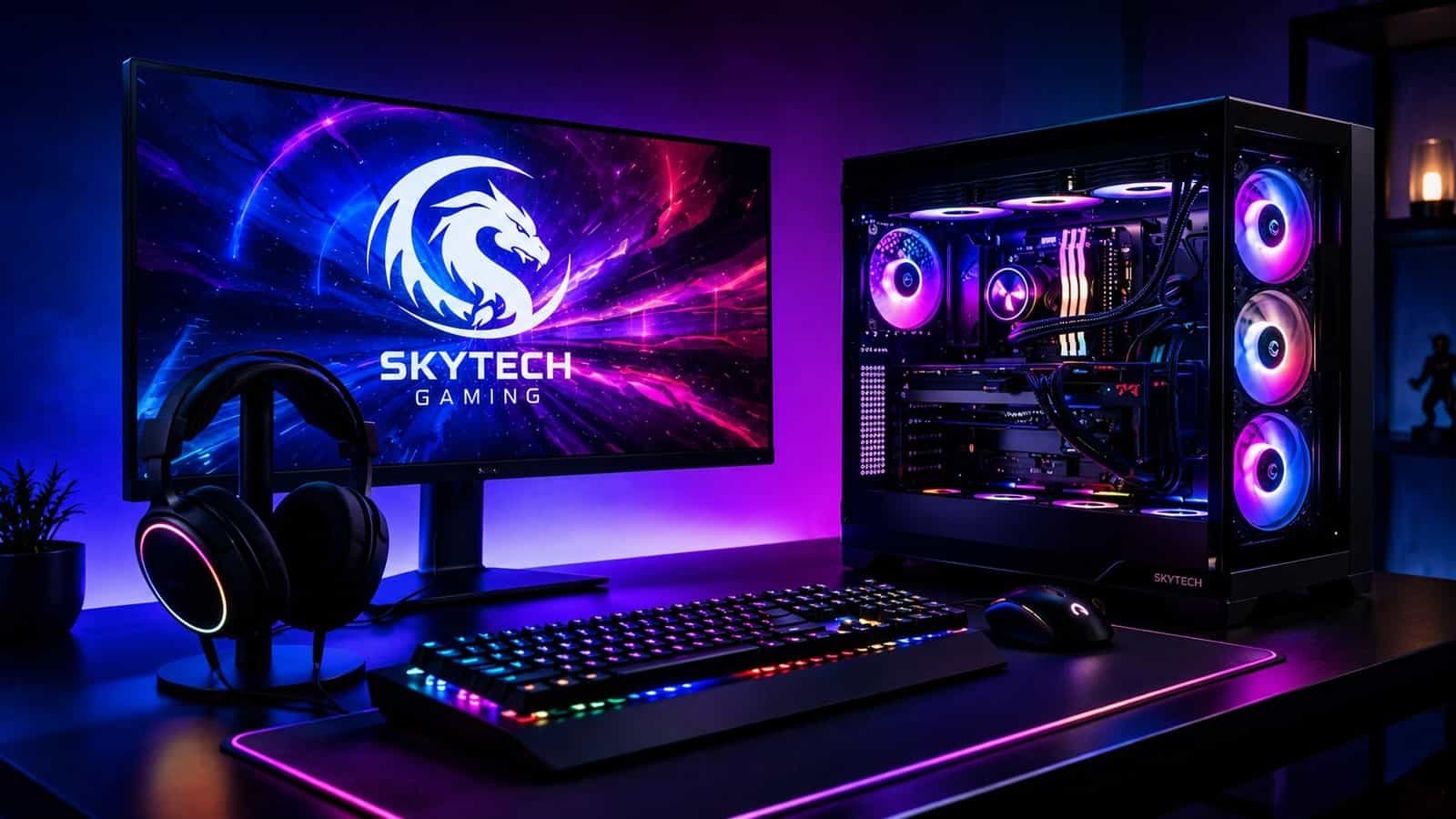
The prebuilt gaming PC market has gotten genuinely competitive. You no longer have to choose between building your own rig or settling for something underpowered off a big-box shelf. Brands like Skytech Gaming have moved into that middle ground – ready-to-go desktops with current-gen GPUs, clean case designs, and spec sheets that look serious on paper.
But “looks serious on paper” and “worth $2,000 of your money” are different things. We went through Skytech Gaming’s current lineup, combed through verified buyer feedback, and compared their builds against the competition. This Skytech Gaming review covers four of their most relevant systems, what they actually offer, where they fall short, and who they’re genuinely built for.
What Is Skytech Gaming?
Skytech Gaming is a US-based prebuilt PC brand that sells direct-to-consumer through their own site and through Amazon and Newegg. They sit in the mid-to-high-end of the prebuilt market, with systems starting around $1,199 and going up to $3,199 and beyond for enthusiast configs.
Their current lineup leans heavily into current-gen Nvidia RTX 50-series GPUs – RTX 5070, 5070 Ti, and 5080 – paired with AMD Ryzen 7 9000-series or Intel Core Ultra 9 processors. Most builds come with 32GB DDR5 RAM, 1TB or 2TB NVMe Gen4 storage, and RGB case designs with tempered glass panels.
The appeal is straightforward: you get a modern gaming rig without spending a weekend sourcing parts, checking motherboard compatibility, and worrying about whether your PSU can handle the new GPU. That convenience has real value – but it comes at a price premium over DIY, and the quality of that premium varies by config. That’s the honest starting point for this review.
Skytech Gaming PCs We Reviewed
Skytech King 95 – Best for High-End 1440p and 4K
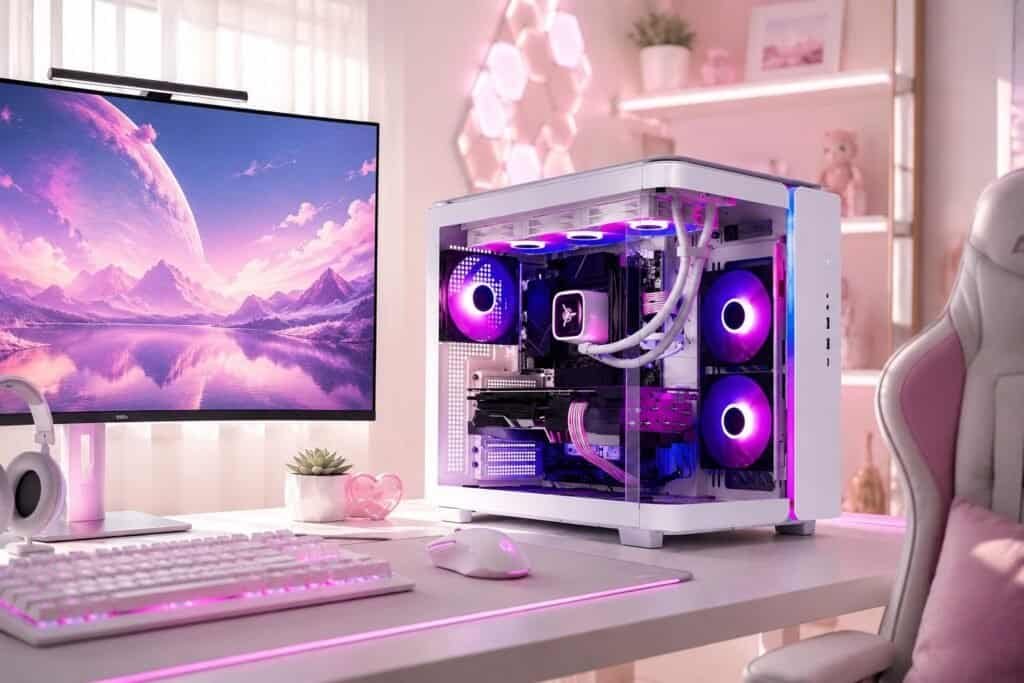
The King 95 is Skytech’s most visually striking system and one of their highest-spec configs. Depending on the version, it comes with an AMD Ryzen 7 9800X3D or 9850X3D, paired with an RTX 5070 Ti 16GB or RTX 5080 16GB, 32GB DDR5 RAM, and 2TB NVMe Gen4 storage. That’s a serious spec sheet for both high-refresh 1440p and genuine 4K gaming.
What stands out in buyer feedback is that the build quality matches the spec level – this doesn’t feel like a budget chassis stuffed with expensive parts. The white case with tempered glass and liquid cooling looks premium and performs thermally well under sustained load. For gamers who want a PC that looks as good on the desk as it performs in-game, this is the one in the Skytech lineup that delivers on both.
The honest caveats: configs vary significantly in price and performance depending on which GPU and CPU pairing you choose, so read the exact listing carefully before buying. At the top end this is a $3,199 purchase – that’s a lot to spend if you’re not regularly pushing 4K or streaming simultaneously. And like most high-end prebuilts, you’re paying a premium over what a DIY build with the same parts would cost.
Price: $1,999.99-$3,199.99 depending on config | Check current King 95 pricing and specs at skytechgaming.com
Skytech Rampage – Best Overall Value
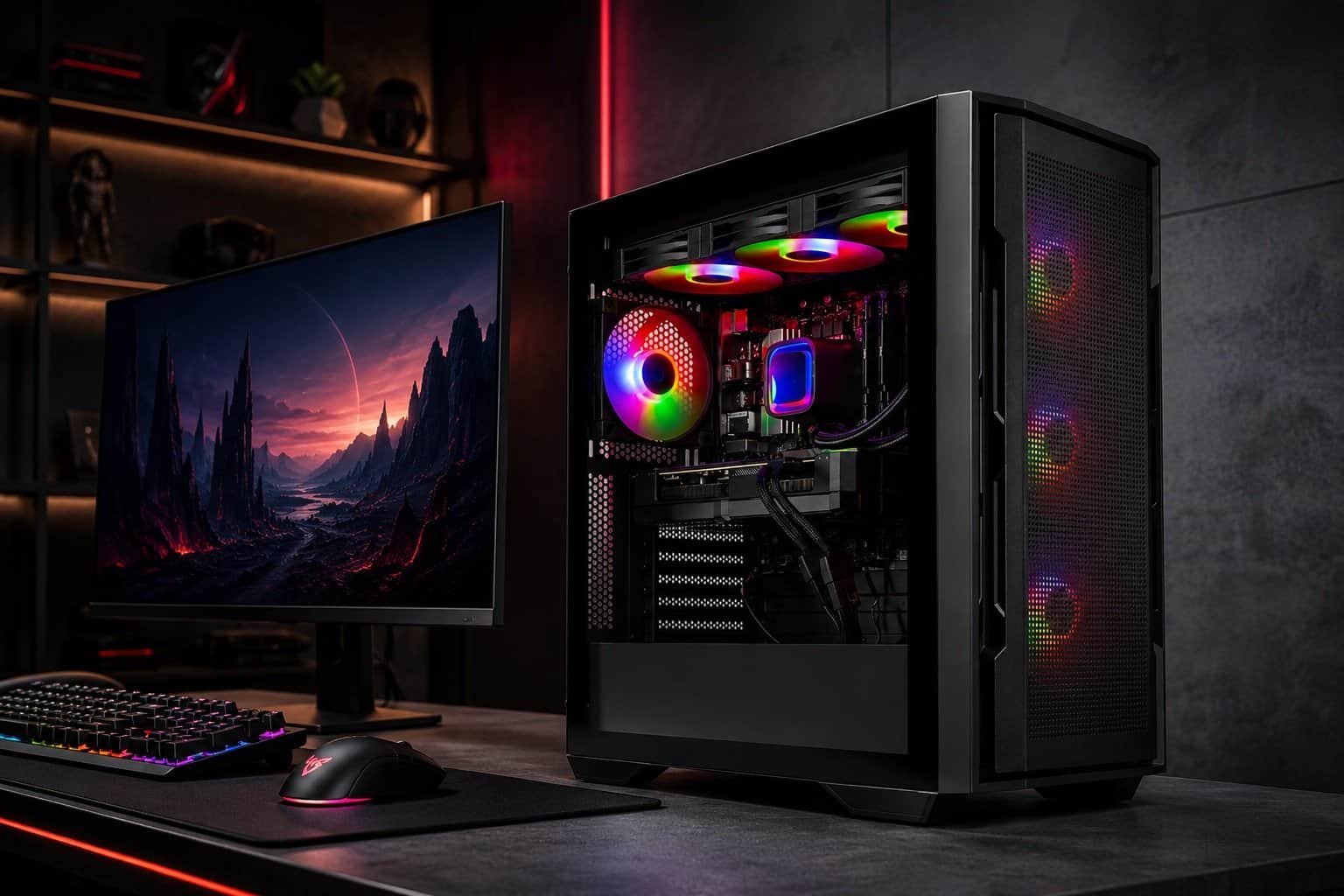
If we had to point to one Skytech build that works for the widest range of buyers, it’s the Rampage. The current config pairs an AMD Ryzen 7 7700X with an RTX 5070 Ti 16GB, 32GB DDR5 RAM, and 1TB NVMe Gen4 storage. That’s a strong combination for 1440p gaming – competitive frames in most AAA titles, enough headroom for esports at high refresh rates, and a GPU that won’t feel dated for several years.
The price landing around $1,899–$2,199 puts it in a zone where the value case is clearest. You’re not paying King 95 money for 4K ambitions you might not fully use, and you’re getting meaningfully better performance than the entry configs. Buyer feedback consistently points to the Rampage as a reliable, no-drama system that performs as advertised.
One real limitation to know upfront: 1TB fills up faster than you’d expect with modern games. Red Dead Redemption 2 alone is 150GB. If you play a lot of large open-world titles, budget for an extra NVMe drive within the first year. Also worth noting – the 7700X is a strong CPU but not in the same tier as the 9800X3D for gaming-specific workloads. If pure gaming performance is the priority over everything else, compare the Rampage configs carefully against the King 95.
Price: $1,899.99–$2,199.99 depending on config | Shop the Skytech Rampage at skytechgaming.com
Skytech Azure 3 Plus – Best Entry Point for a Serious Upgrade
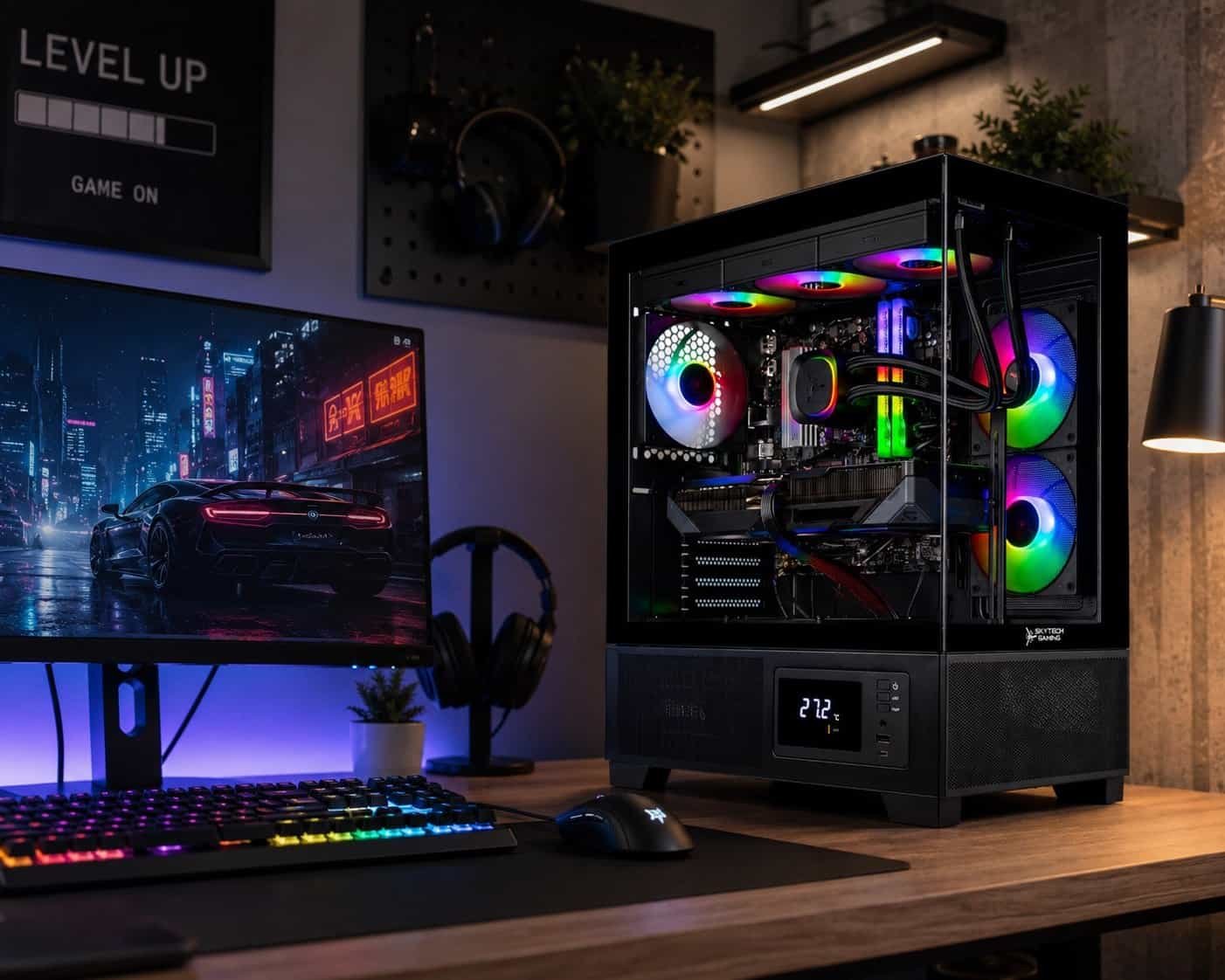
The Azure 3 Plus covers the most ground in the Skytech lineup in terms of config variety. Depending on the listing, you’ll find versions with a Ryzen 7 7700X + RTX 5070 12GB + 1TB NVMe on the lower end, or a Ryzen 7 9800X3D + Radeon RX 9070 XT + 2TB NVMe at the higher end. That spread – $1,699 to $2,299 – makes it the most flexible entry point into the modern Skytech range.
For someone upgrading from a GTX 10-series or RTX 20-series machine, the jump to any Azure 3 Plus config will feel dramatic. For 1080p ultra and entry 1440p gaming, it’s a solid choice. The trade-off is that the config variety means you need to read the exact listing carefully – the name covers significantly different hardware depending on the SKU. Don’t assume the listing you saw last week is the same as the one you’re looking at today.
Price: $1,299.99–$2,299.99 depending on config | Check current Azure 3 Plus configs at skytechgaming.com
Skytech Legacy 4 – Best for Enthusiast-Level Performance
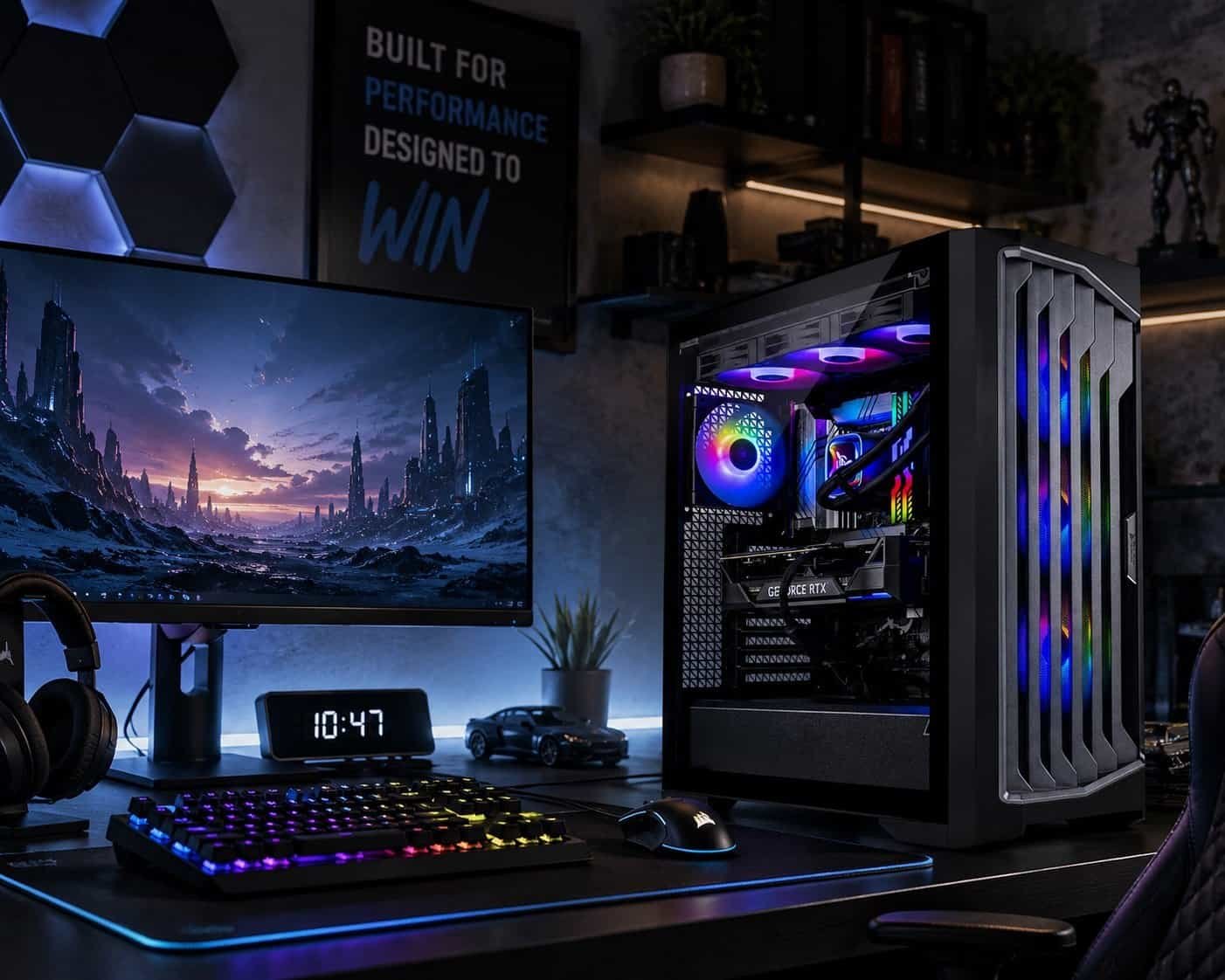
The Legacy 4 is Skytech’s clearest “go big once” option. The current config packs an Intel Core Ultra 9 285K, RTX 5080 16GB, and 2TB NVMe Gen4 storage. That’s genuinely enthusiast-tier hardware – the kind of setup where 4K gaming, simultaneous streaming, and content creation all run without compromise.
At around $3,199 it demands a clear use case. If you’re gaming at 4K, regularly streaming, or doing CPU-heavy work alongside gaming, the Legacy 4 makes sense. If you’re primarily a 1440p gamer who occasionally streams, the King 95 or Rampage gives you most of what you need for significantly less. The Intel Ultra 9 285K is a powerful chip but the Ryzen 9800X3D remains a stronger pure-gaming CPU in most benchmarks – worth considering if gaming is the exclusive priority.
Price: ~$3,199.99 | Shop the Skytech Legacy 4 at skytechgaming.com
Skytech Gaming Pros and Cons
Pros:
- Current-gen GPU selection is strong – RTX 5070 through 5080 across the lineup
- Ready-to-use out of the box – no compatibility checks, no BIOS updates, no part hunting
- Case designs are genuinely premium at this price range – tempered glass, RGB, liquid cooling as standard
- Wide price range ($1,199-$3,199+) means there’s a relevant config for most upgrade budgets
- Sells through Amazon and Newegg in addition to their own site – easier returns and buyer protection
Cons:
- Prebuilt premium is real – DIY with the same parts will be cheaper if you have the time and knowledge
- Config naming is inconsistent – the same model name can cover very different hardware across listings
- Customer support experiences are mixed based on buyer feedback – not uniformly reliable for post-sale issues
- 1TB storage on several configs is tight for modern game libraries – factor in upgrade costs
- No customization at checkout – you get what the listing specifies, no component swaps
Who Is Skytech Gaming Best For?
Buy Skytech if you:
- Want a modern gaming PC without spending time on DIY research and builds
- Are upgrading from a GTX or early RTX-era machine and want a meaningful jump
- Game primarily at 1440p or 4K and want a system that handles it without compromise
- Value a clean, complete setup that looks as good as it performs
- Want current-gen GPU access without waiting for retail availability
Skip Skytech if you:
- Are comfortable building your own PC – you’ll get better value for the same money
- Need extensive post-sale support – prebuilt brand support is inconsistent across the board
- Have a smaller budget under $1,000 – look at iBUYPOWER or CyberPowerPC for that range
- Want to customize your config at checkout – Skytech sells fixed configurations
Skytech vs. Competitors: How Does It Compare?
| Skytech | iBUYPOWER | CyberPowerPC | NZXT | |
| Price range | $1,199-$3,199+ | $799-$3,000+ | $799-$3,000+ | $1,299-$3,500+ |
| Customization | Fixed configs | High | Very high | Moderate |
| Case design | Strong | Varies | Varies | Excellent |
| Support reputation | Mixed | Mixed | Mixed | Better than avg |
| Best for | Ready-to-go builds | Budget to high-end | Max flexibility | Premium builds |
iBUYPOWER and CyberPowerPC both offer more customization at checkout and cover a wider budget range starting around $799. If you want to spec out exactly what goes inside, they’re worth comparing. NZXT BLD sits closer to Skytech in terms of fixed configs but with a stronger support reputation and slightly higher prices. Skytech’s edge is case design and current-gen GPU availability – where they’re consistently stocked, competitors sometimes aren’t. For a broader picture of what buyers are actually saying right now, this Reddit thread on r/Prebuilts is worth a quick look.
Our Final Verdict: Is Skytech Gaming Worth It in 2026?
Based on the research we did – buyer feedback across Amazon, Reddit, and dedicated hardware communities, plus spec comparisons across the current lineup – Skytech Gaming makes a legitimate case for serious upgrade consideration in 2026. The hardware is current-gen, the case designs are genuinely premium, and the ready-to-use experience is real.
The Rampage is the clearest recommendation for most buyers: strong 1440p performance, the best value-to-spec ratio in the lineup, and consistent positive feedback. The King 95 is the pick if you’re going 4K or want the best hardware Skytech offers. The Azure 3 Plus is the most approachable serious upgrade. The Legacy 4 is for buyers who know exactly why they need that much power.
The caveats are real: you’re paying a prebuilt premium, config naming needs careful attention, and customer support is inconsistent. If you’re comfortable building your own PC, DIY is still better value. But if convenience, current-gen hardware, and a complete setup experience are what you’re actually buying, Skytech delivers.
Shop Skytech Gaming’s best prebuilt PCs at skytechgaming.com
Frequently Asked Questions
Is Skytech Gaming a good brand for prebuilts?
Yes, with caveats. Skytech builds solid prebuilt gaming PCs with current-gen hardware and good case quality. The main watch-outs are inconsistent config naming across listings and mixed post-sale support experiences. Choose your config carefully and buy through a platform with good buyer protection like Amazon or Newegg.
Which Skytech PC is best for 1440p gaming?
The Rampage is the strongest value choice for 1440p. The RTX 5070 Ti handles 1440p at high refresh rates without bottlenecking, and the price-to-performance ratio is better than the higher-end configs. The Prism 4 is also worth considering if setup aesthetics are a factor.
Is Skytech better than building your own PC?
Not in terms of raw value – DIY is still cheaper for equivalent specs if you have the knowledge and time. Skytech wins on convenience, warranty coverage as a complete system, and current-gen GPU availability when retail supply is tight. It depends on what you’re actually paying for.
Are Skytech Gaming PCs overpriced?
Some configs offer better value than others. The Rampage and Prism 4 sit at reasonable price-to-spec ratios for prebuilts. The entry configs in any model line tend to be the weakest value. Always cross-reference the GPU and CPU against current retail pricing before deciding whether the premium is justified.
What is the best Skytech Gaming PC right now?
For most buyers, the Rampage offers the best combination of performance and price. For maximum gaming performance, the King 95 with a Ryzen 7 9800X3D is the stronger pick. If you’re prioritizing 4K and multi-use performance, the Legacy 4 is worth the higher price – but confirm you’ll actually use what it offers.


